Every enquiry answered, every consultation booked.
Clients ask and book in WhatsApp, Instagram or your website, any time. Wexio qualifies the lead, books the slot and hands the advice to your team.
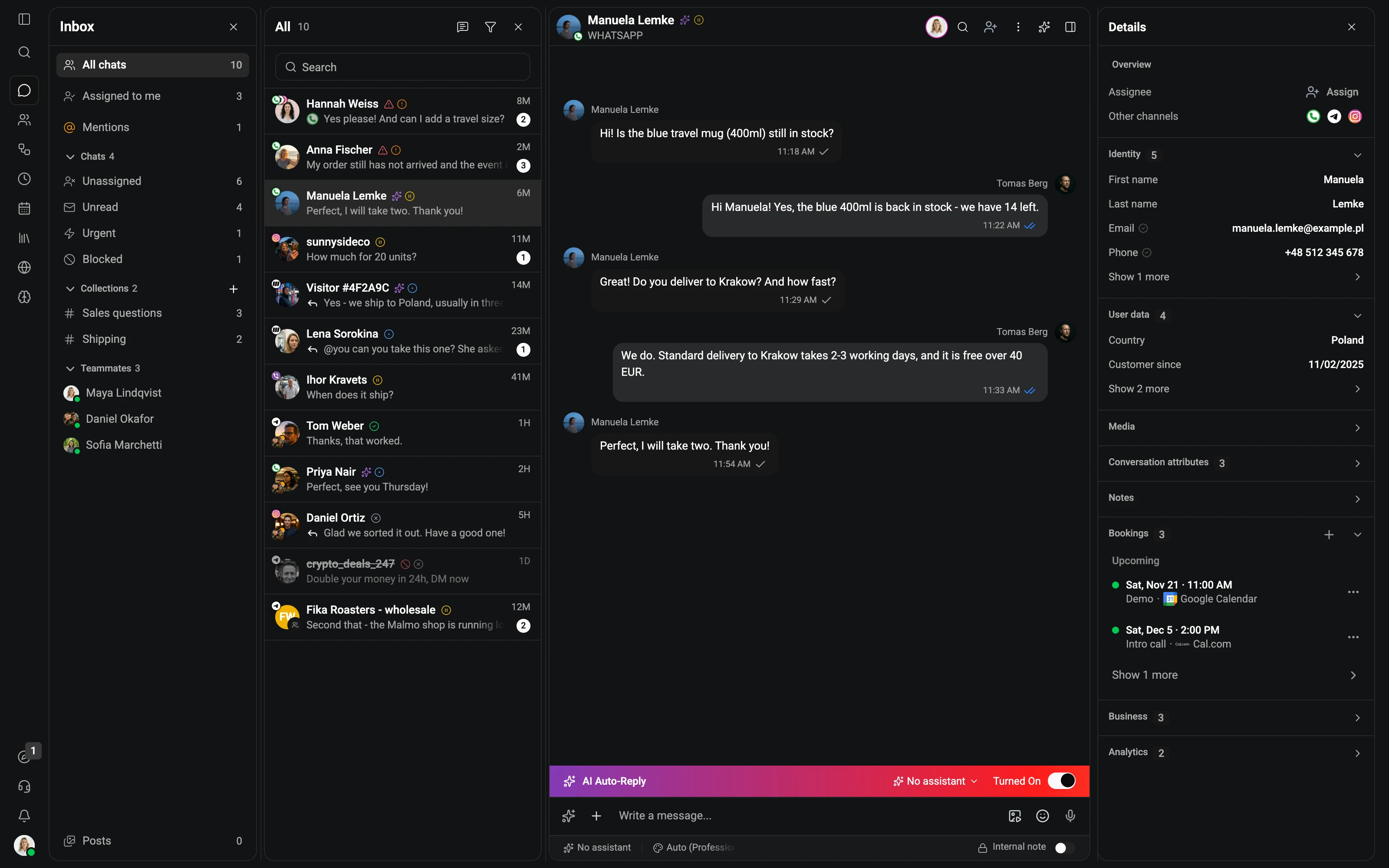
Consultations booked in the chat
A prospect asks for a call, your assistant offers the free times and books the one they pick. No email ping-pong.
Hartwell Advisory
Online
Document requests without the chasing
Tell clients exactly what to bring and where to send it. The assistant answers from your own checklists and hands the files to your team.

Hartwell Advisory
Online
Message
Follow-ups that never get forgotten
After a consultation, send a short follow-up with next steps and a link to book the next one. Clients reply in the same chat.
Hartwell Advisory
Online
Qualified leads, not just messages
Ask the right questions up front: what the client needs, how big the company is, how soon. Answers are saved to the client profile.
Hartwell Advisory
Online
A person steps in when it matters
The assistant does not give legal, tax or financial advice. Those questions go to your team, with the whole conversation in view.
Hartwell Advisory
Online
How does professional services automation work?
Wexio lets you build visual automation flows. When customers message you, the flows trigger automatically to share information, answer common questions and collect requests, and your team steps in when it matters.
Whether you're a lawyer, consultant, accountant, or agency, Wexio helps you respond to client inquiries instantly while your team focuses on delivering services.
Live in three steps
No coding. Connect, bring in your client chats, switch it on.

1
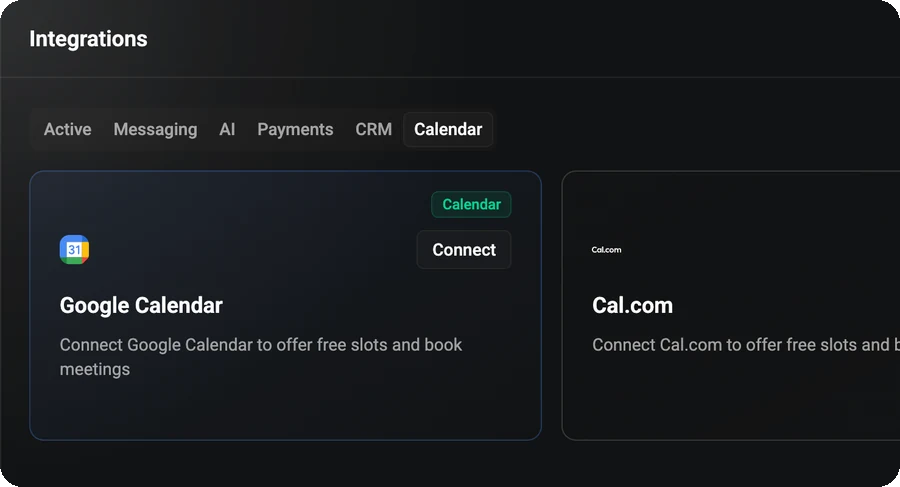
Connect your calendar and channels
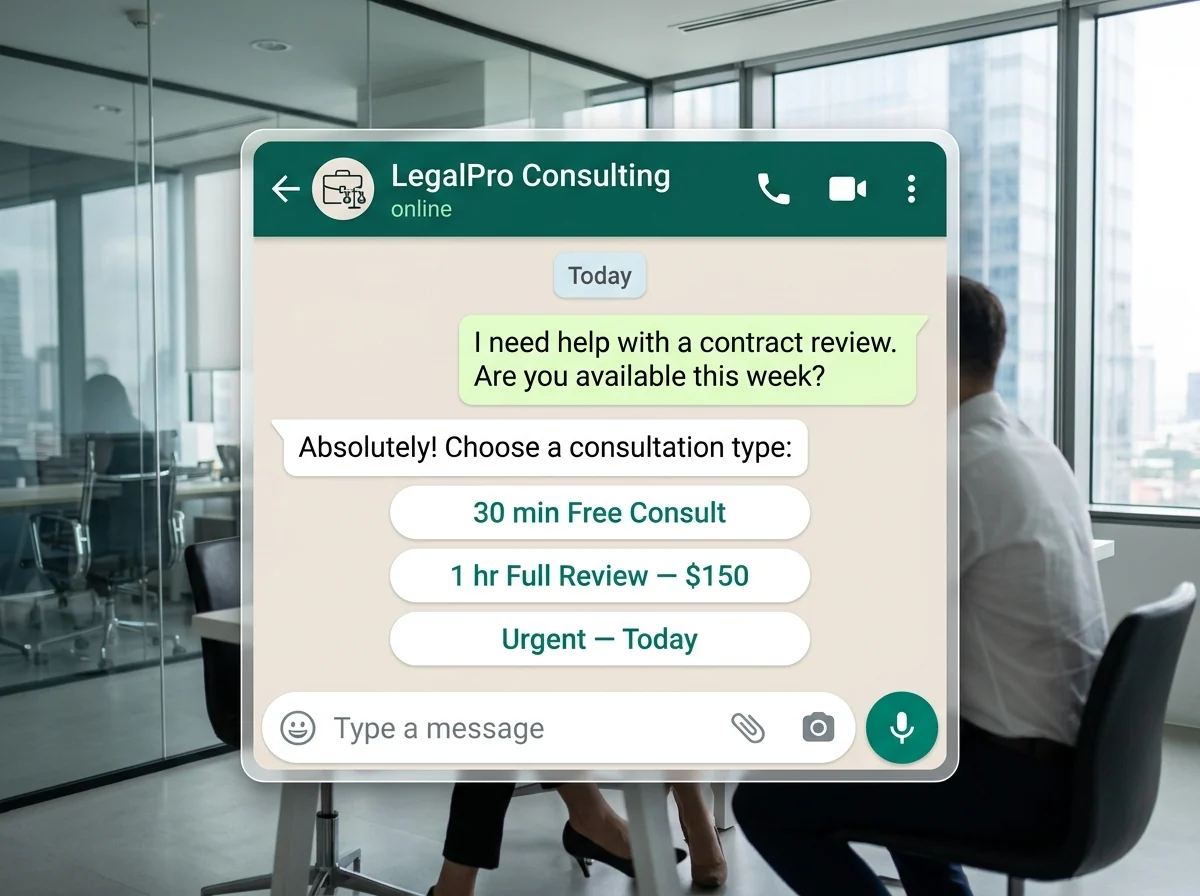
Use Google Calendar, Cal.com, Calendly or the built-in calendar, then add WhatsApp, Instagram or your website chat.

2
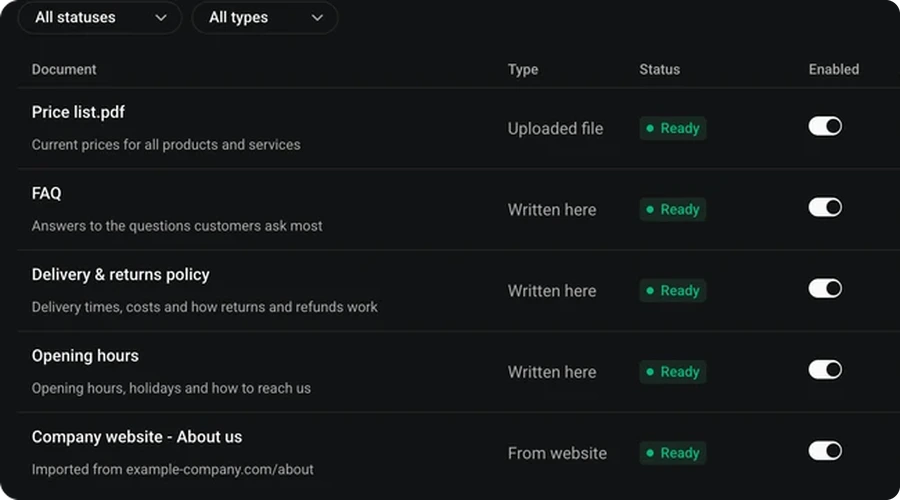
Add your business information
Upload your price list, FAQ, policies and opening hours. The AI answers from these documents and nothing else.

3
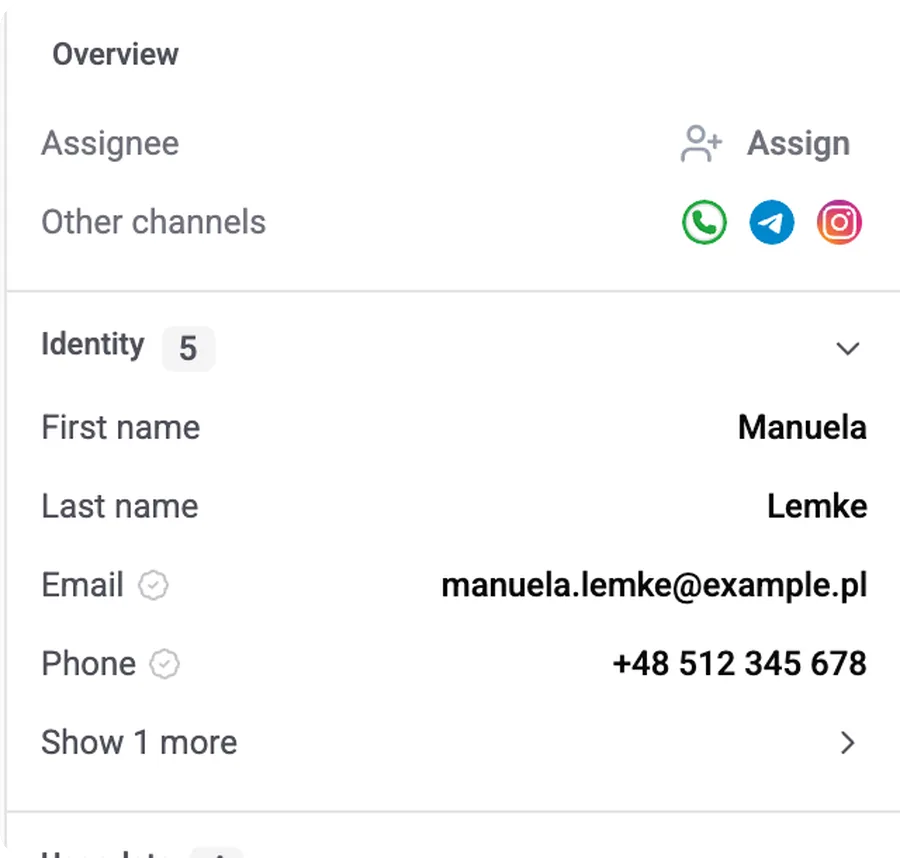
Assign your team
Route chats to the right person, with every message and note in one inbox.
Everything a client desk needs
Bookings, client details and answers in one place.

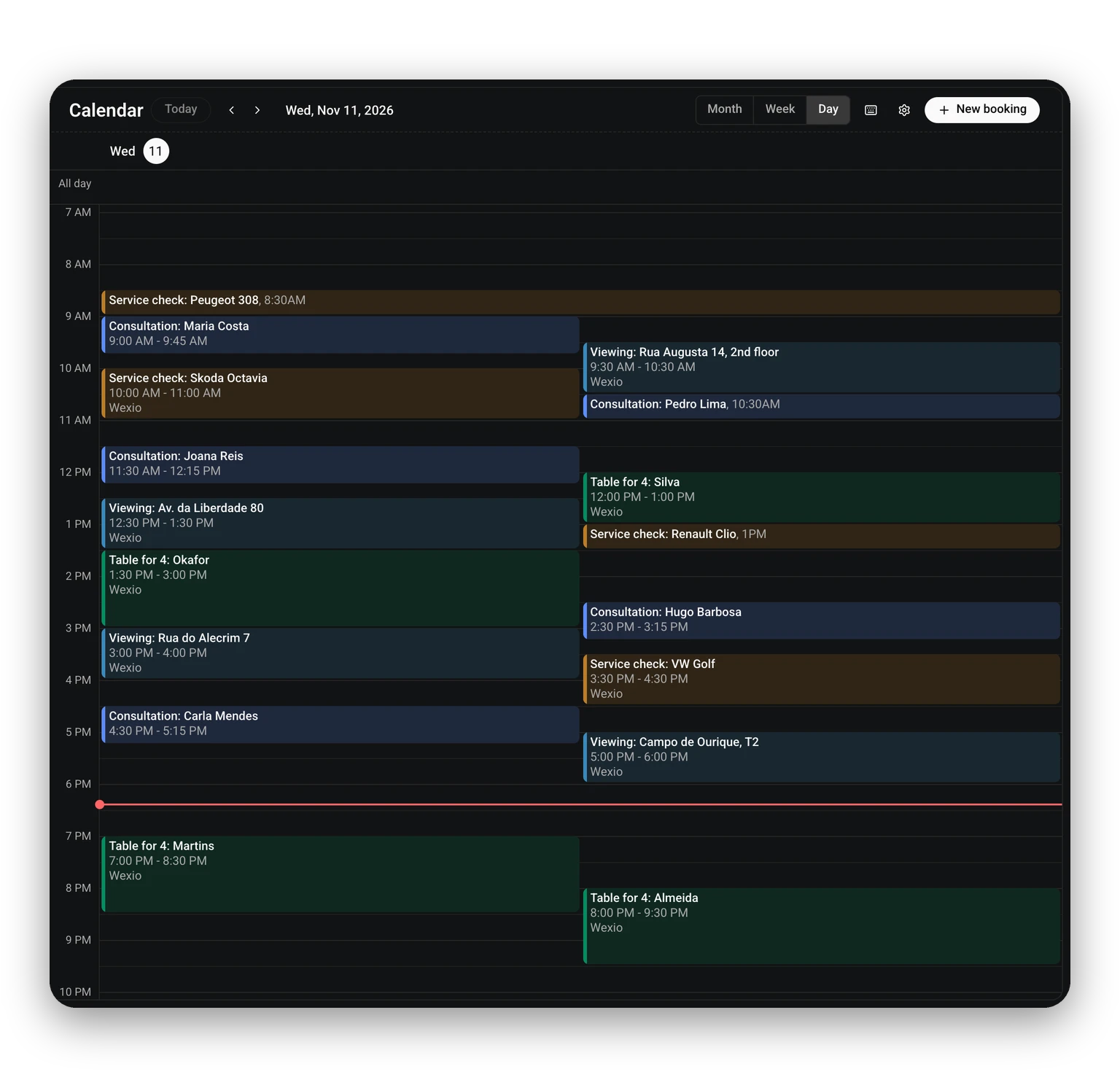
One calendar for every booking
Bookings from every chat land in one calendar by time, so your team sees the whole day at a glance. It works with Google Calendar, Cal.com, Calendly or the built-in calendar.
Client chats, sorted
Saved views like Unread and Urgent, plus collections of your own, keep a busy client desk organised.
Client profiles with context
Every chat, booking and detail on one profile, so nobody asks the client the same thing twice.
AI that knows when to stop
When it isn't sure, it asks your team or hands the chat over. Once a teammate takes it, Auto-Reply shows Stopped and the AI stays out.
Built for a busy client desk

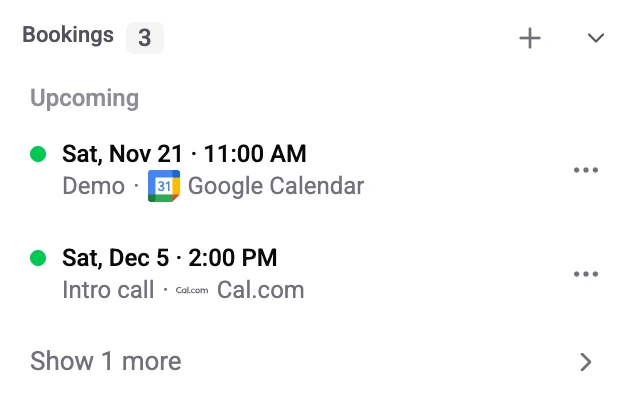
Booking by the AI assistant
The assistant offers free slots, books one and confirms it, then the booking shows in the calendar.

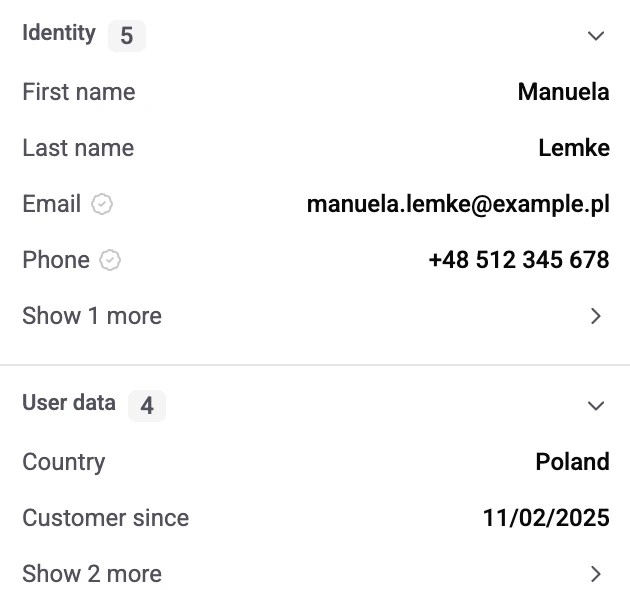
Client details, saved
Name, email and phone sit on the client profile, next to your own fields such as country or client since.

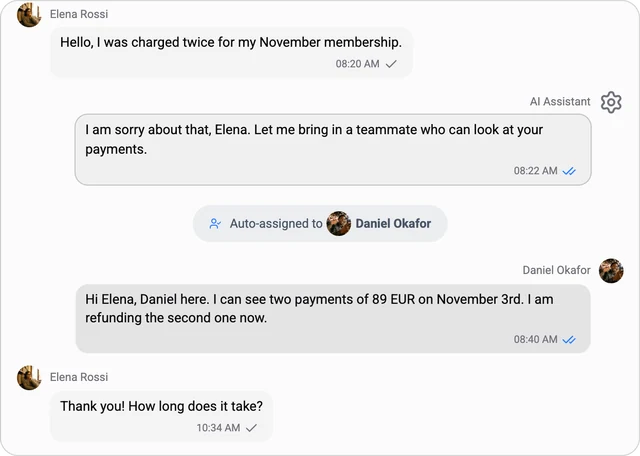
Hand over to an adviser
When a question needs an expert, the AI passes the chat on and the team sees the whole history.
A client assistant vs. a full inbox
When every enquiry needs a person, leads wait and consultations go to the competition.
With Wexio
Qualified, booked, followed up
- Enquiries answered day or night
- Consultations booked in the chat
- Reminders go out before every meeting
- Your advisers handle the advice
Without it
Emails and missed calls
- Enquiries answered in office hours only
- Leads cool down while waiting for a reply
- Consultations arranged by email back and forth
- Follow-ups forgotten
WhatsApp for professional services, answered
Yes. It offers the free times from your calendar, collects the client's details and confirms the booking in the same chat.
Google Calendar, Cal.com, Calendly or the built-in Wexio calendar. Connect the one your team already uses.
No. It handles administrative questions like booking, opening hours, checklists and your service list. When it is unsure, or the question needs an expert, it asks your team or hands the chat over.
Yes. Ask the questions you need and Wexio saves the answers to the client profile, so your adviser is prepared.
In the EU, in Ireland and Stockholm. Wexio signs a data processing agreement. Check with your own compliance team that it fits your professional obligations.