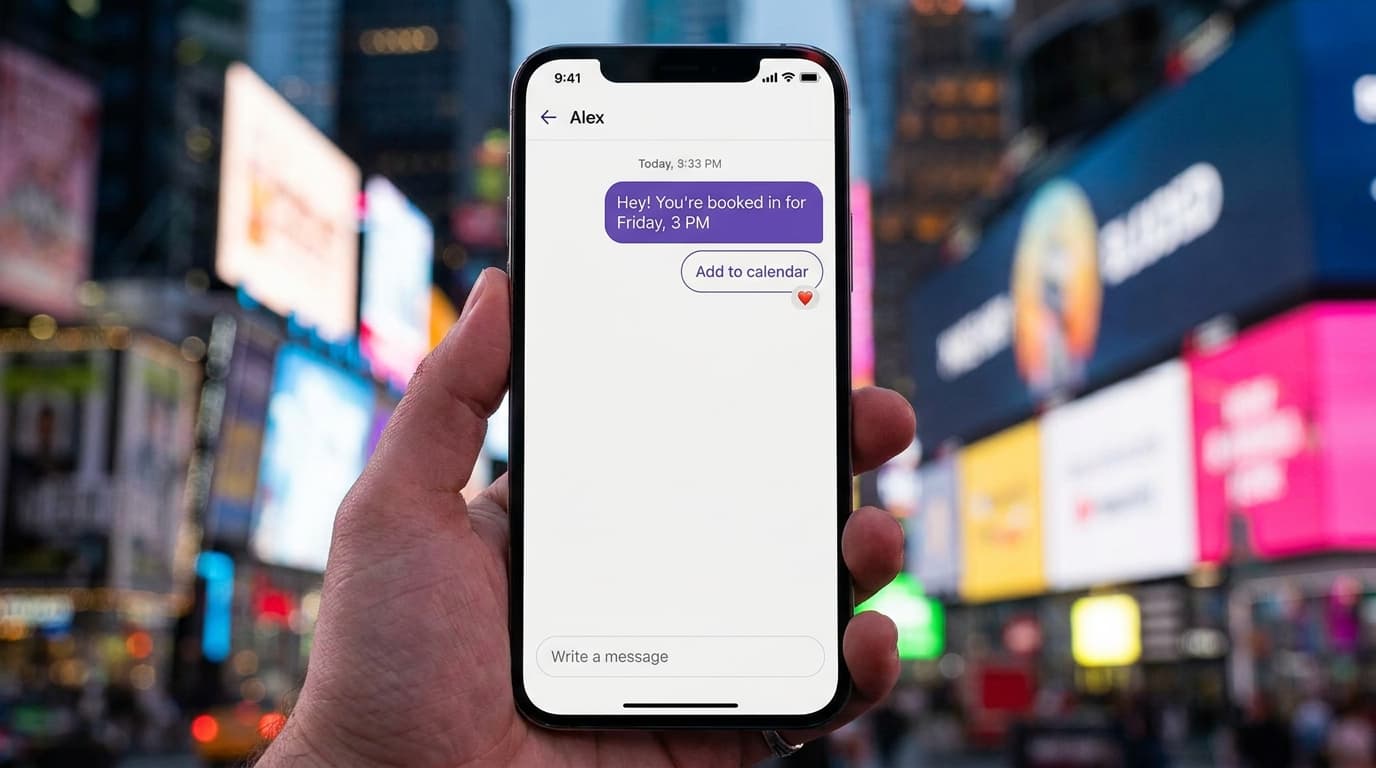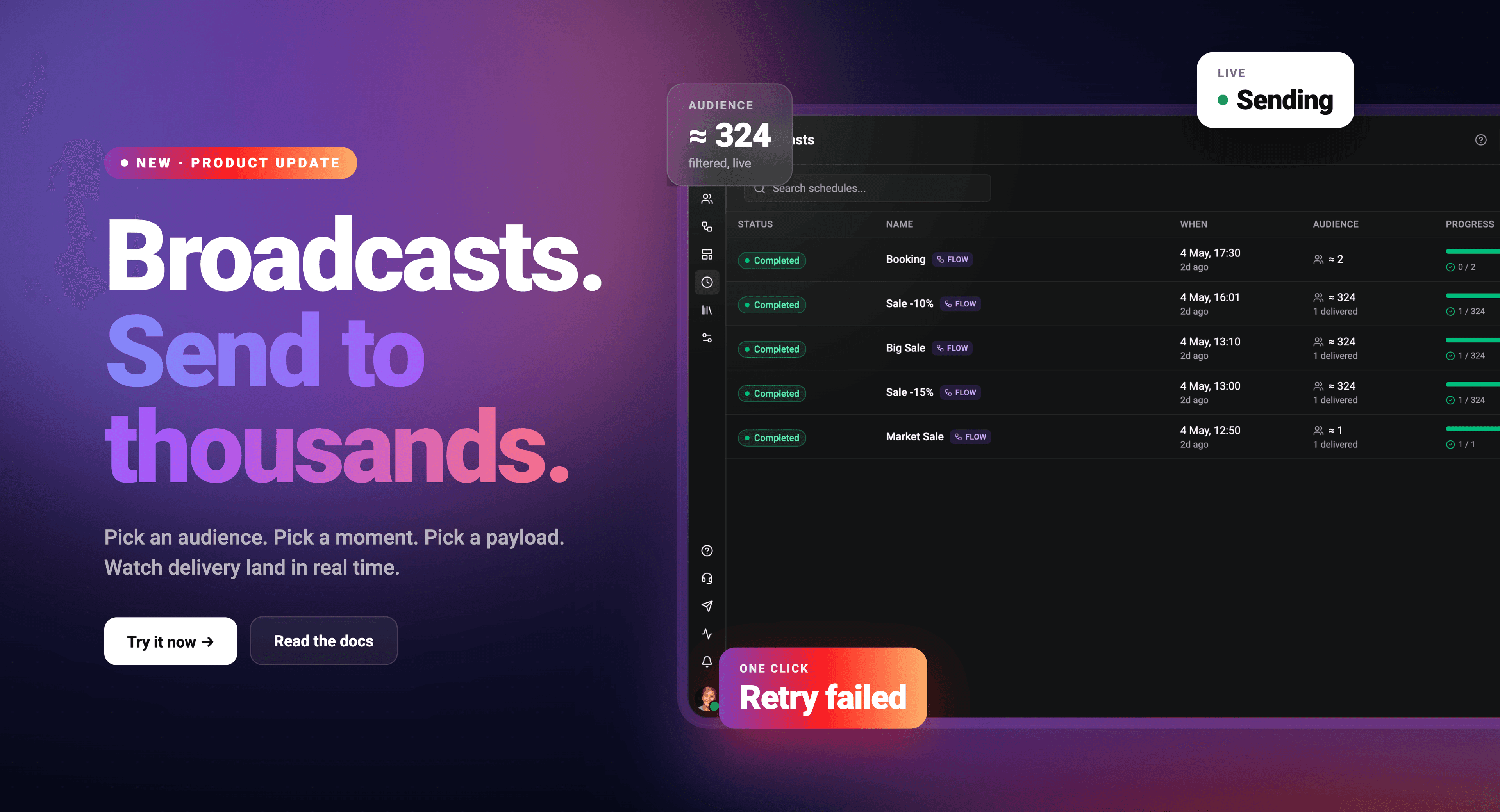
Send a flow or a WhatsApp template to a filtered slice of your contacts at a specific moment in time. No spreadsheets, no third-party tool, no copy-paste. The conversation stays inside Wexio from the first filter to the final delivery report.
WHAT A BROADCAST IS
A broadcast is a one-shot scheduled send. Pick an audience, pick a moment, pick a payload, fire. The runtime resolves the audience at fire time, walks every matched contact, and dispatches the configured flow or template per person - tracking delivery outcomes the whole way.
Two kinds of broadcasts are supported:
- Flow broadcasts - fire a configured flow per contact. Use when the broadcast is conversational, branched, or needs to capture replies.
- Template broadcasts - send a WhatsApp template per contact. Use for static announcements, promos, and notifications.
THE FIVE-STEP WIZARD
- 📋 Audience - build a filter from any contact field. Mix tags, custom fields, dates, countries, anything. The wizard shows a live audience-size estimate as you edit so you know who'll receive it before committing.
- 🧭 Kind - flow or template. Future broadcast kinds will slot in here as we add them.
- ⚙️ Config - for flow broadcasts, pick the flow and optional WhatsApp fallback templates. For template broadcasts, configure template-routes that pair each template with the integration that should deliver it.
- ⏰ Schedule - a date, a time, an IANA timezone. We render the time in the operator's preferred zone and round-trip it across DST without drift.
- ✅ Review - final summary. One click to commit.
REAL-TIME OBSERVABILITY
Once a broadcast enters SENDING status, the detail panel updates live:
- Per-contact dispatches stream into the activity log via GraphQL subscription.
- Rolling counts of delivered, skipped, and failed update in real time.
- Status badge transitions automatically through SCHEDULED → SENDING → COMPLETED (or CANCELLED / FAILED).
No refresh, no polling, no waiting for the email summary.
WHEN THINGS GO WRONG
A failed contact-level dispatch is retryable. Open the broadcast, click "Retry failed contacts", optionally pick a new schedule, and a follow-up broadcast is created - pre-targeted to only the contacts that failed last time. The new broadcast links back to the original via retryOfBroadcastId so you can audit the chain end to end.
A FAILED broadcast carries a failure reason:
- MISSED_WINDOW - the worker picked it up after the scheduled time had passed (e.g. infra outage). Surfaced with a Retry action.
- ALL_BATCHES_FAILED - every dispatch attempt errored.
- WORKER_STALLED - worker crashed mid-dispatch, reaped by the sweeper.
PERMISSIONS AND PLAN GATING
Broadcasts are gated to Pro and Enterprise plans. On lower tiers every broadcast operation returns a plan-upgrade prompt instead of an error.
Within a Pro+ org:
- Owners, Admins, Editors - full access (create, edit, cancel, retry).
- Agents - read-only access to history and live updates.
- Master / system orgs - bypass via the global "manage all" grant; unlimited sends.
Active broadcasts also count against the org's "scheduled-items" limit (capped per plan tier), so the upgrade message is precise about which limit is hit when one is reached.
WHAT BROADCASTS ARE NOT
To set expectations:
- Not recurring. Each broadcast fires once. Repeating sends = multiple broadcasts.
- Not a trigger. Triggers fire on events; broadcasts fire on a clock.
- Not transactional. For 1:1 receipts, OTPs, and order-status messages, use template sends from a flow or webhook.
- Not a campaign manager. There's no A/B split or multi-step journey - those belong in the flow editor.
GETTING STARTED
Open Wexio App and click Broadcasts in the sidebar. Hit "Add broadcast" to launch the wizard. Build your first filter, schedule a send, and watch it land - exactly when you said it would, exactly to the people you wanted. 🚀