Most businesses don't lose customers because their product is bad. They lose them because replies come too late, conversations slip through cracks, and leads go cold while someone hunts for the right chat tab. That's the gap conversational automation fills. And that's exactly where Wexio sits.
Wexio is a no-code platform built to automate customer conversations across WhatsApp, Telegram, Instagram, and Viber from a single dashboard. It pairs visual flow builders with AI-powered cards, API integrations, and a unified inbox. Whether you run a dental clinic, a car dealership, or an online course, the toolset is the same: capture leads, qualify them, and convert them while you sleep.
This piece is a thorough Wexio features deep dive. We'll break down the conversational engine, omnichannel deployment, automation logic, lead generation tools, and enterprise-grade security. Each section stands on its own, so feel free to skip to whatever matters most to your business right now.
One thing worth flagging early: Wexio is currently in Beta, with all plans and features available for free until June 2026. That means you can test everything discussed here without spending a cent.
Core Architecture of the Wexio Conversational Engine
The engine behind Wexio isn't a simple chatbot. It's a full conversational system that combines visual design, conditional logic, and AI-powered understanding into one workflow. Think of it as a decision tree on steroids: one that adapts based on what your customer says, not just which button they tap.
At the center sits a drag-and-drop builder. Around it, AI models handle classification, intent routing, and free-text responses. Together, they let you build conversations that feel human even though no human is involved. The architecture supports version control, so you can roll back a flow to last Tuesday's version if something breaks. That safety net matters when you're iterating fast.
Visual Flow Builder and Logic Branching
The flow builder is where you'll spend most of your setup time. You drag cards onto a canvas, connect them, and define what happens at each step. Cards include text messages, media cards, quick-reply buttons, delay timers, and AI-powered response blocks.
Conditional branching is where things get interesting. You can split a conversation based on user input, attribute values, time of day, or even the channel they're using. A customer on WhatsApp might see a different onboarding flow than one on Instagram. A returning user might skip the intro entirely and jump straight to booking.
Here's a practical example. Say you run a beauty salon. Your flow asks the visitor what service they want: haircut, coloring, or nails. Each answer branches into a different path with relevant pricing, stylist availability, and a booking link. No coding required. The builder handles all the logic visually.
Version control deserves a mention here too. Every time you save a flow, Wexio keeps a snapshot. If a new version tanks your conversion rate, you revert in two clicks. That's a huge time saver compared to rebuilding from scratch.
AI-Powered Classification and Responses
Buttons and quick replies are great. But real customers type messy, unpredictable things. Wexio's AI layer handles that. It's powered by OpenAI GPT and Anthropic Claude, which means it can classify intent and generate context-aware replies.
Say someone types "I need to reschedule my Thursday appointment." The AI Classification card picks up the intent and routes the conversation to the correct branch accordingly. No button tap needed.
AI cards inside the flow builder let you insert these intelligent checkpoints anywhere. You can use them for lead qualification, FAQ handling, or even document analysis. Upload a PDF price list to the knowledge base, and the AI can answer questions about it in real time.
The AI also supports auto-transcription of voice messages, image analysis, video analysis, and document analysis. If a customer sends a photo of a product issue, the AI can understand the content and respond accordingly. The AI isn't a bolt-on. It's baked into the core engine.
Omnichannel Deployment and Synchronization
Your customers aren't on one channel. They're on four. Maybe five. And they expect the same experience on all of them. Wexio's omnichannel setup means you build a flow once and deploy it across WhatsApp, Telegram, Instagram, and Viber without duplicating work.
The real power isn't just multi-channel presence. It's synchronization. A conversation that starts on Instagram can continue on WhatsApp without losing context. The customer doesn't repeat themselves. Your team doesn't scramble for history. Everything lives in one place.
Unified Inbox for Cross-Platform Management
The unified inbox is where every conversation lands, regardless of channel. Your team sees WhatsApp messages next to Telegram chats next to Instagram DMs. Each thread shows the full history, user attributes, and any labels your automation has applied.
Wexio lets you connect with customers on their preferred platforms from a single dashboard. That eliminates the tab-switching tax that bleeds time from your support and sales teams. One screen. All channels. Full context.
The inbox also supports internal notes, conversation assignment, and an "Assign to Operator" card in your flows. When the bot can't handle something, it escalates to the right person with all the context attached. You can set clear triggers for this handoff: specific keywords, repeated failed AI responses, or an explicit "talk to a human" request from the user.
Native Integrations with Messaging Ecosystems
Each messaging platform has quirks. WhatsApp requires approved message templates. Instagram limits what you can send after 24 hours. Telegram supports inline keyboards that other platforms don't.
Wexio handles these differences under the hood. You design your flow, and the platform adapts the output to each channel's rules. WhatsApp-specific cards like template messages, product catalogs, list messages, and product cards are built right into the flow builder. A Telegram inline button maps to a quick reply elsewhere.
There are 12+ industry-specific automation templates available out of the box. If you're in automotive, healthcare, or education, you can start with a pre-built template and customize from there instead of staring at a blank canvas.
Advanced Automation and Dynamic Data Handling
Automation without data is just a fancy auto-responder. The real value shows up when your flows pull live data from external systems, write back to your CRM, and tag users based on behavior. Wexio's automation layer handles all three.
This is where the platform starts feeling less like a chatbot tool and more like a workflow engine. You're not just sending messages. You're moving data, triggering actions, and keeping your entire tech stack in sync.
API Calls and External Data Integration
The API/Fetch card lets your flows talk to the outside world. When a user completes a booking inside a Wexio chat, an API call can send that data to your CRM, your calendar app, or your payment processor. The setup is visual: you configure the endpoint URL, choose GET or POST, map the fields, and test it right inside the builder.
API calls work in the other direction too. Your flow can pull live inventory data, check appointment availability, or verify a customer's account status mid-conversation. The user never leaves the chat. They get real-time answers without waiting for a human to look things up.
For deeper integrations, Wexio offers native connections to HubSpot, Salesforce, and BigQuery through the CRM card. One company used Wexio to automate partner onboarding, and it reduced the process from a week to just two days. That kind of speed comes from connecting the dots between systems automatically instead of relying on manual handoffs.
Make sure your tools are connected to your existing CRM and marketing stack. Data silos kill automation ROI faster than anything else.
Custom Fields and User Attribute Tagging
Every user who interacts with your Wexio flows gets a profile. Custom fields let you store anything: name, email, preferred service, last purchase date, lead score. These fields populate automatically based on conversation inputs or API responses.
Labels work alongside custom fields for segmentation. A user who asked about pricing but didn't book might get labeled "warm lead." Someone who completed a purchase gets labeled "customer." These labels drive follow-up sequences and help your team prioritize conversations.
The attribute system also supports date fields, dropdowns, and numeric values. That means you can build logic like "if last visit was more than 30 days ago, send a re-engagement message." It's CRM-light functionality built directly into your chat platform.
Lead Generation and Conversion Optimization Tools
Capturing leads is step one. Converting them is where the money lives. Wexio bundles several tools specifically designed to move people from "interested" to "booked" or "purchased" without human intervention.
Businesses using the platform have reported a 3x increase in leads from ads by routing ad clicks directly into automated chat flows instead of static landing pages. That stat alone should make any marketer pay attention.
Automated Appointment Scheduling and Reminders
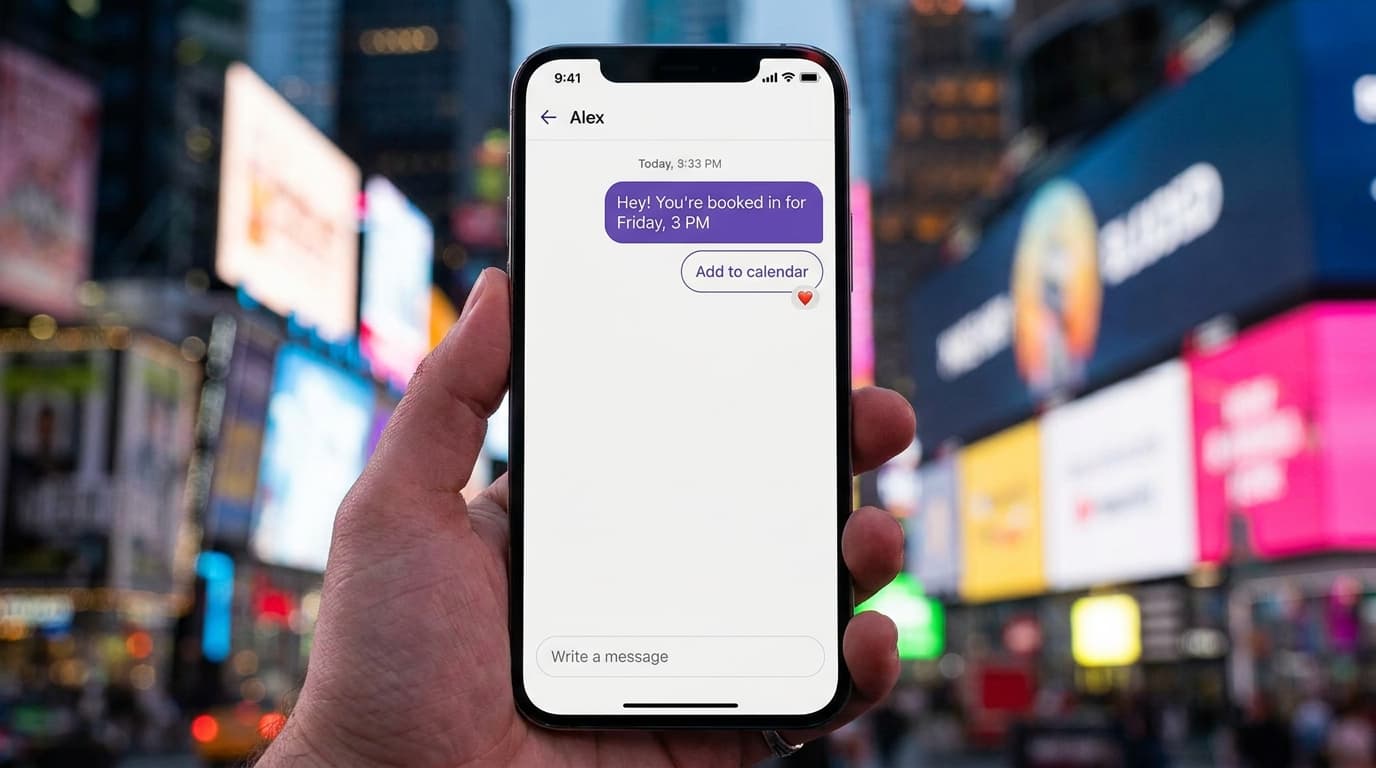
Booking flows are one of the most popular use cases on Wexio. The user picks a service, chooses a date and time, and confirms. The system writes the appointment to your calendar via the API/Fetch card and sends a confirmation message instantly.
Reminders fire automatically before the appointment using timed delay cards in your flow: 24 hours, 2 hours, whatever interval you set. No-shows drop. Revenue per slot goes up. One education provider saw a 100% boost in student enrollments after switching to automated booking and follow-up sequences.
Here's the step-by-step setup:
- Create a flow with service selection cards
- Pull available time slots from your calendar API using the Fetch card
- Confirm the booking and store it in a custom field
- Set timed delay cards for reminder messages at your preferred intervals
- Add a cancellation or reschedule branch for flexibility
The whole thing takes an afternoon to build. No developer needed.
Follow-Up Sequences within Chat Flows
Not every lead converts on the first touch. Follow-up flows let you re-engage users based on their behavior and labels. Someone who abandoned a booking flow halfway through? Your flow can send them a follow-up message after a set delay with a gentle nudge. A user labeled "warm lead" who hasn't responded? Trigger a special offer through a timed sequence.
Follow-ups inside chat have a massive advantage over email: open rates. Messaging apps consistently deliver 80-90% open rates compared to email's 20-25%. Your follow-up actually gets seen.
One user reported a 35% increase in conversion rates thanks to AI-powered lead qualification combined with structured follow-up flows. The AI qualifies the lead, labels them, and the follow-up flow does the rest.
A tip: review your chat conversations regularly. They're free user research. You'll spot logic gaps, unanticipated questions, and exact points where users drop off. Fix those, and your follow-up sequences won't need to work as hard.
Security, Compliance, and Enterprise Scalability
None of the features above matter if your data isn't safe. Wexio takes this seriously. The platform uses AES-256 encryption at rest and TLS 1.3 for data in transit. All infrastructure is hosted in the EU (Ireland), which simplifies GDPR compliance for European businesses.
The platform is hosted in SOC 2 Type II and ISO 27001 certified infrastructure with end-to-end encryption across all channels. For industries like healthcare and finance, where data handling rules are strict, this isn't optional. It's table stakes.
Scalability is handled through tiered subscription plans. Plans range from a free tier with 100 operations per month up to enterprise packages with custom volumes tailored to your needs. As your volume grows, your plan grows with it. No surprise invoices.
Key benefits of Wexio's security and scaling model:
- AES-256 + TLS 1.3 : Military-grade encryption for data at rest and in transit
- EU-hosted infrastructure : Simplifies GDPR compliance without extra tooling
- SOC 2 / ISO 27001 certified infrastructure : Meets audit requirements for regulated industries
- Tiered plans from free to enterprise : Start free, scale to custom volumes without overpaying
- Role-based access controls : Owner, Admin, and Agent roles with granular permissions
For a more complete picture of the platform and how all these pieces fit together, check out the full overview on Wexio's main site.
What This All Means for Your Business
This deep dive into Wexio's features reveals a platform that's surprisingly complete for a Beta product. From the visual flow builder and AI engine to omnichannel sync, dynamic data handling, and enterprise security, it covers the full lifecycle of customer conversation automation.
The numbers back it up: 3x more leads from ads, 35% higher conversion rates, onboarding timelines slashed from a week to two days. These aren't theoretical. They're results from real businesses using the platform right now.
If you're running a small or mid-size business and you're still managing customer conversations manually across multiple apps, you're bleeding time and losing leads. Wexio gives you one place to build, deploy, and manage automated conversations across every major messaging channel. And since everything is free through June 2026, there's zero financial risk in testing it yourself. Get started with Wexio and see how much of your customer communication you can put on autopilot.