Building a chatbot used to mean hiring a developer, writing hundreds of lines of code, and spending months on deployment. That's ancient history. Right now, dozens of platforms let you build AI-powered chatbots without writing a single line of code, and many of them offer genuinely useful free tiers. If you're a small business owner running a salon, a car dealership, or a tutoring center, you don't need a tech budget to start automating customer conversations. You just need the right tool. This guide breaks down the top no-code AI chatbot builders with zero upfront cost, what makes each one stand out, and how to get your first bot live this week. Whether you're fielding appointment requests on WhatsApp or qualifying leads on your website, there's a free option here that fits.
The Rise of Free No-Code AI Chatbot Platforms
The shift happened fast. Between 2023 and 2026, the number of no-code chatbot platforms with free plans nearly tripled, according to G2's marketplace data. GPT-4 and similar large language models dropped in API cost, which meant platform providers could afford to let users experiment for free. That opened the floodgates for small businesses.
The real driver, though, is demand. A 2025 Salesforce report found that 71% of customers expect companies to offer real-time messaging. Customers don't want to call. They don't want to email and wait 48 hours. They want to type a question into WhatsApp or Instagram and get an answer in seconds. Free chatbot builders make that possible even if your entire team is three people.
Key Benefits of Building Without Code
The obvious benefit is speed. You can go from zero to a working chatbot in an afternoon. But the advantages run deeper than that.
- Cost savings: No developer salaries, no agency retainers. Your only investment is your time.
- Iteration speed: Drag-and-drop builders let you tweak conversation flows in minutes. A coded bot might require a pull request and a deployment cycle.
- Accessibility: Your marketing manager, your receptionist, or your office admin can build and maintain the bot. You don't need specialized skills.
- Lower risk: Free tiers let you test ideas before committing money. If a chatbot doesn't convert leads the way you hoped, you pivot without losing a dime.
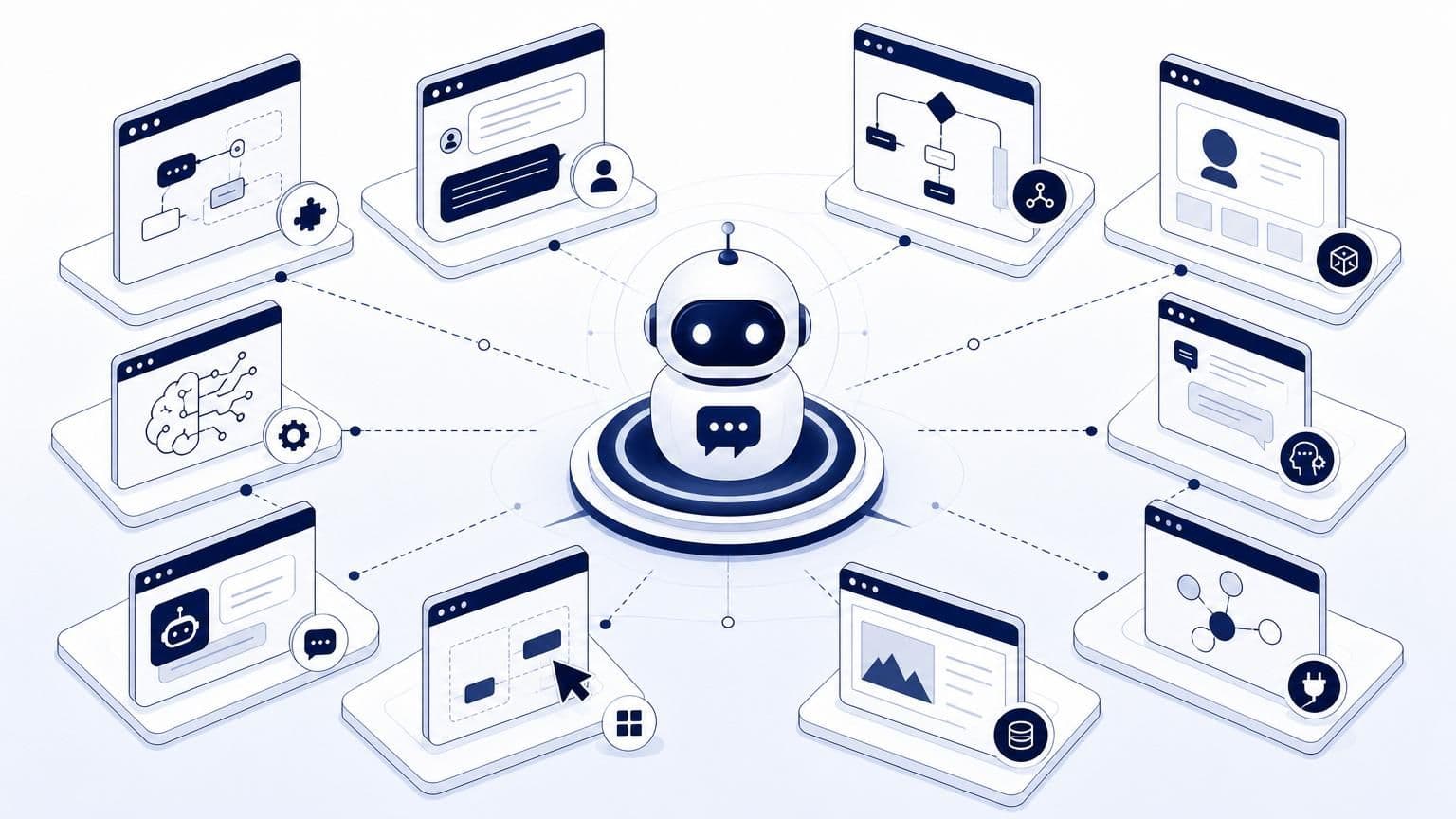
The tab-switching tax of managing multiple tools is real, too. Many no-code platforms bundle the bot builder, inbox, and analytics into one dashboard. That consolidation alone saves hours per week.
What to Look for in a Free Tier Plan
Not all free plans are created equal. Some are generous. Others are glorified demos. Here's what actually matters when you're evaluating a free tier:
- Monthly message or operation limits: Can you handle your actual volume? A 50-message cap won't cut it for most businesses.
- Channel availability: Does the free plan support WhatsApp, Instagram, or just a web widget?
- AI capabilities: Can you connect GPT-4 or Claude, or are you stuck with basic keyword matching?
- Integrations: Will it talk to your CRM, Google Sheets, or Zapier on the free plan?
- Data retention: How long does the platform store your conversation logs? You need those transcripts for improving your bot.
A free tier with 100 operations per month and no credit card requirement is a solid starting point. That gives you enough room to test real conversations without pressure.
Top 10 Free AI Chatbot Builders for 2024
Here's the list, organized by what each platform does best. Prices and features reflect what's available as of early 2026.
Best for Customer Support and Lead Gen
These platforms shine when your primary goal is answering FAQs, capturing contact info, and routing hot leads to your sales team.
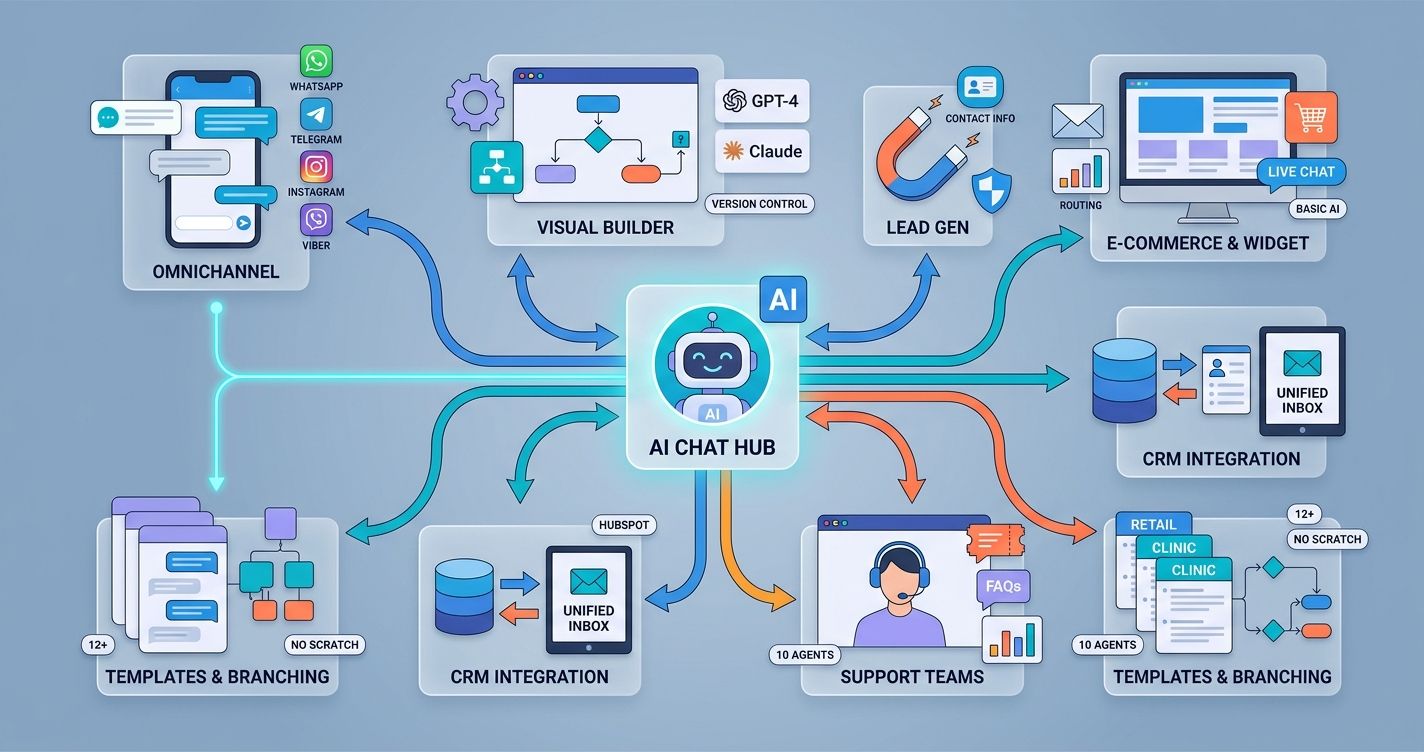
Wexio: Built for omnichannel messaging, Wexio lets you manage WhatsApp, Telegram, Instagram, and Viber from a single inbox. Its visual flow builder includes AI cards powered by GPT-4 and Claude, conditional branching, and version control. The free tier includes 100 operations per month. If you're a retail shop or healthcare clinic fielding questions across multiple channels, this is a strong starting point. It also ships with 12+ industry-specific templates, so you're not building from scratch.
Tidio: Combines live chat with a chatbot builder. The free plan supports up to 50 conversations per month and includes a basic AI assistant. Good for e-commerce sites that need a web widget fast.
HubSpot Chatbot Builder: Part of HubSpot's free CRM. The bot builder is straightforward and ties directly into your contact database. Limited AI capabilities on the free tier, but the CRM integration is hard to beat if you're already in the HubSpot ecosystem.
Freshchat (by Freshworks): Offers a free plan for up to 10 agents. The bot builder uses decision trees, and the free tier includes basic reporting. Solid for small support teams.
Best for Visual Flow and Logic Mapping
If you think in flowcharts and want granular control over every branch of a conversation, these are your picks.
Chatfuel: Originally built for Facebook Messenger, Chatfuel now supports Instagram and WhatsApp. The visual builder is intuitive, and the free plan allows up to 50 conversations per month. Great for restaurants and beauty salons running Instagram-heavy marketing.
ManyChat: Similar to Chatfuel but with stronger automation features. The free plan covers Instagram DMs and Facebook Messenger. You can build keyword triggers, quick replies, and basic flows without paying anything.
Landbot: Focuses on conversational landing pages. The visual builder is one of the best in the industry, with drag-and-drop nodes that feel more like designing a flowchart than programming a bot. The free plan is limited to 100 chats per month on web only.
Best for GPT-Powered Knowledge Bases
These platforms let you upload documents, websites, or help center articles, and the AI handles the rest. Perfect if you want a bot that actually understands your business.
Botpress: Open-source at its core, Botpress offers a cloud-hosted free tier with GPT integration. You can feed it your knowledge base and it generates answers on the fly. The free plan includes 2,000 incoming messages per month, which is generous.
Voiceflow: Originally designed for voice assistants, Voiceflow now excels at text-based chatbots too. The free plan supports up to 50 knowledge base sources and includes a collaborative workspace. Ideal for education companies or professional services firms with lots of documentation.
CustomGPT: Lets you create a chatbot trained on your own content. Upload PDFs, paste URLs, or connect a sitemap. The free plan is limited but functional for testing. If your business runs on specialized knowledge, like a financial advisory or a legal practice, this approach makes the most sense.
Step-by-Step Guide to Launching Your First Bot
Getting your first chatbot live doesn't require a weekend. Most platforms get you from signup to deployment in under two hours. Here's a practical path.
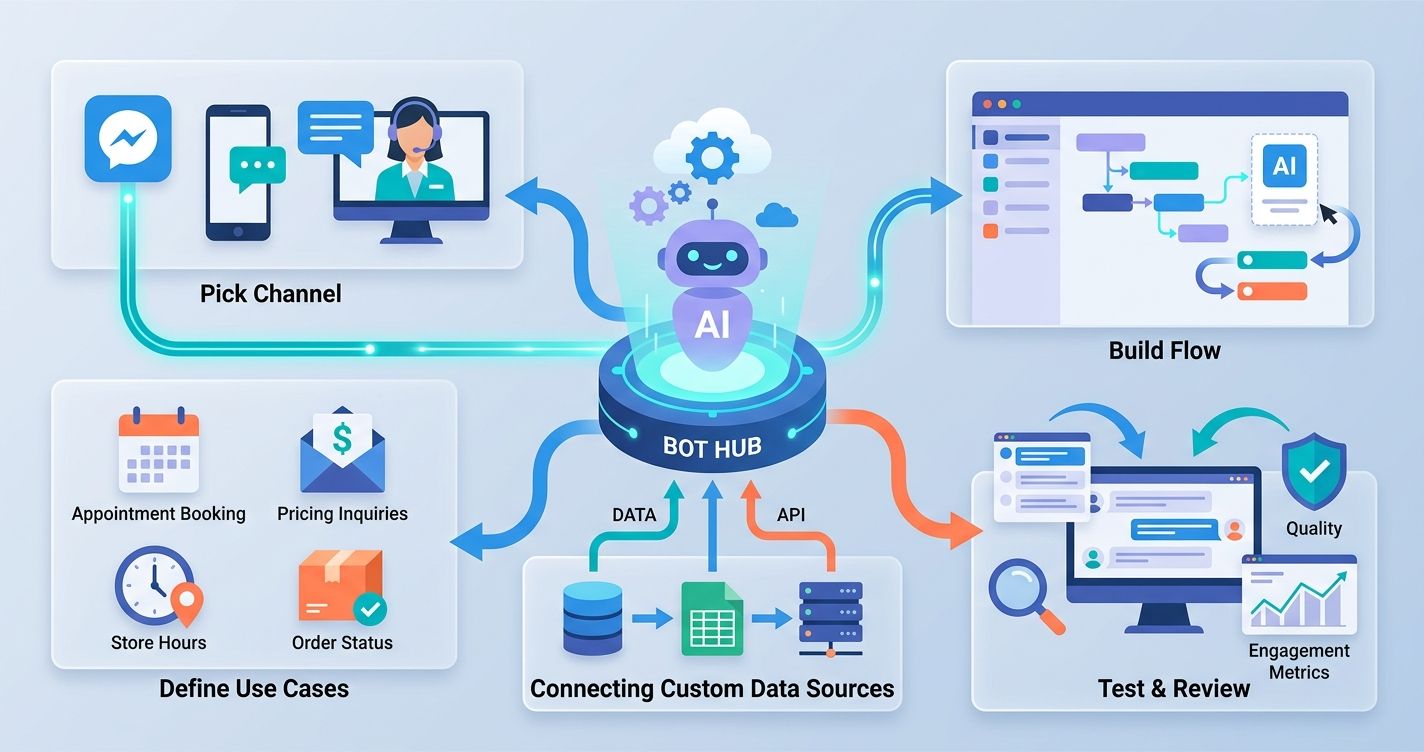
Step one: Pick your channel. Where do your customers actually message you? If 80% of your inquiries come through WhatsApp, start there. Don't try to cover every channel on day one.
Step two: Define three to five core use cases. Think about the questions you answer most often. Appointment booking, pricing inquiries, store hours, order status, and return policies are common starting points.
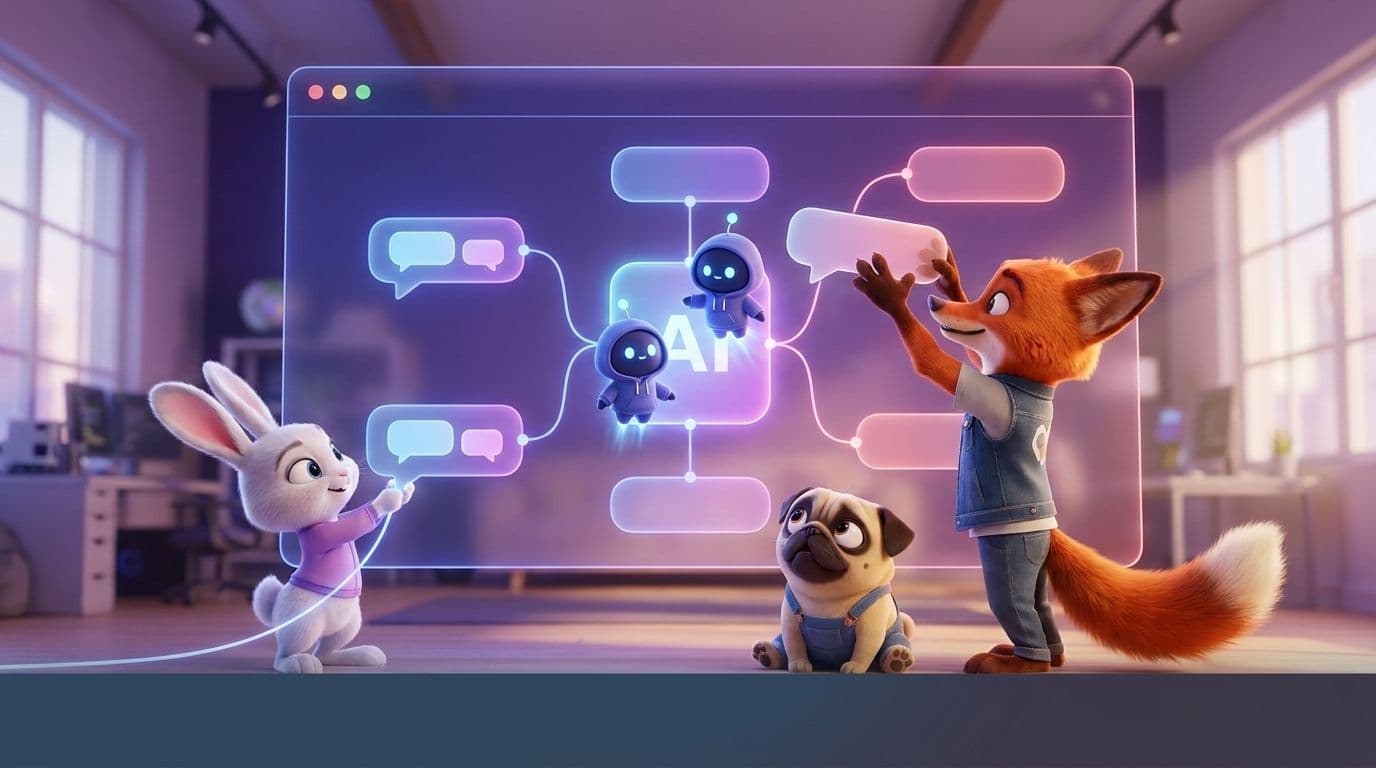
Step three: Build your flow. Use your platform's visual builder to map out each conversation. Start simple. A greeting, a menu of options, and a handoff to a human for anything complex. Wexio's Flow builder, for example, lets you drag AI cards into the conversation that classify intent and generate replies using GPT-4 or Claude, so you don't need to anticipate every possible question.
Step four: Test with real people. Send the bot link to five colleagues or friends. Watch where they get stuck. That friction is gold.
Step five: Go live and review transcripts weekly. This is your free user research. Look for repeated questions the bot can't answer, unexpected phrasing, and drop-off points.
Connecting Custom Data Sources
A chatbot that only knows what you manually typed into it is limited. The real power comes from connecting your data.
Most free-tier platforms let you connect at least one external data source. That might be a Google Sheet with your product catalog, a CSV of FAQs, or a URL pointing to your help center. Botpress and CustomGPT are especially strong here, letting you upload entire document libraries.
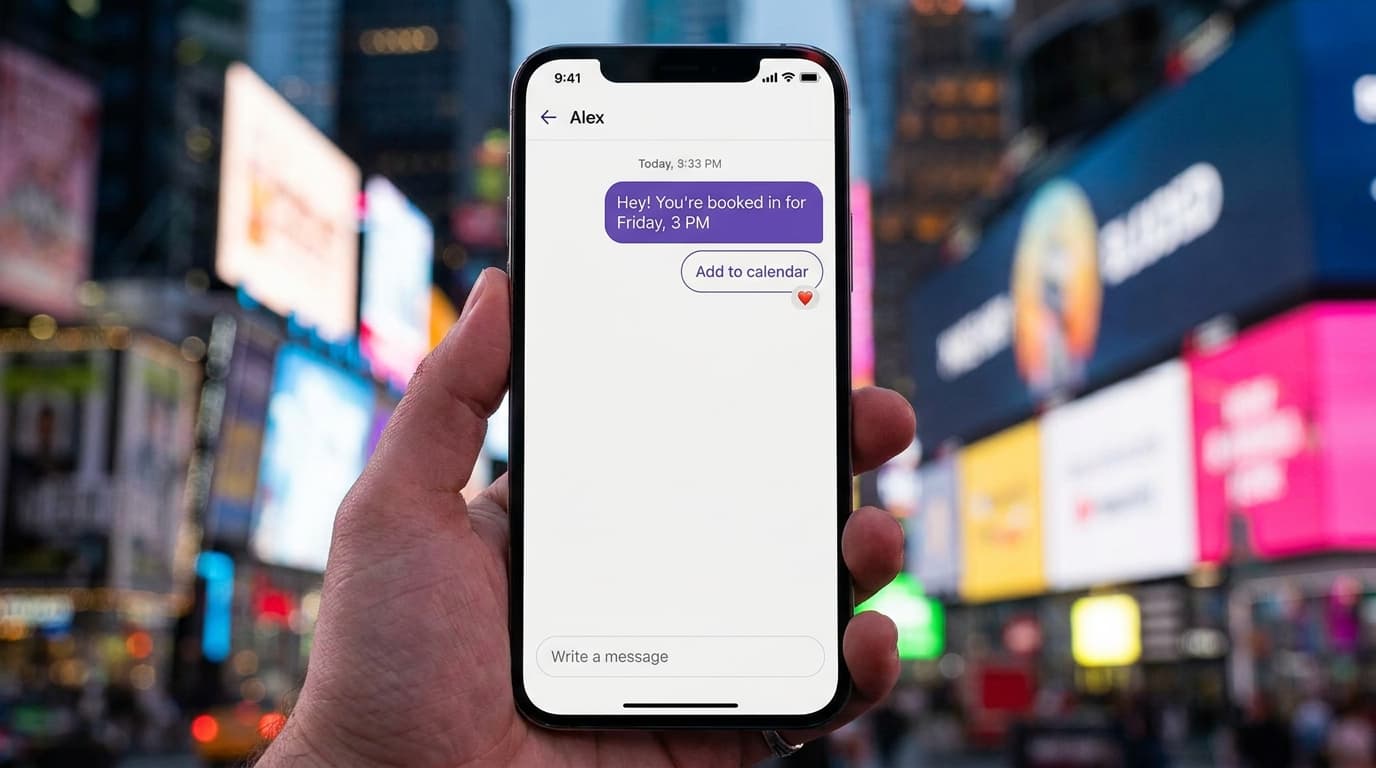
If your platform supports API connections on the free tier, connect it to your booking system or CRM. When a customer asks "Do you have any openings Thursday?" the bot can check your calendar in real time instead of giving a generic "Please call us" response.
Testing and Refining Conversational Logic
Your first version will have gaps. That's normal. The key is systematic improvement.
Review your chat transcripts every week. Look at the median response accuracy, not just the average. A few perfect conversations can mask a pattern of failures. Pay attention to moments where users type "talk to a human" or simply abandon the chat. Those are your biggest opportunities.
Set clear triggers for human handoff. Negative sentiment, two consecutive failed responses, or an explicit request to speak with someone should all route the conversation to a live agent immediately. In Wexio, the Route to Operator action handles this automatically, so no customer gets trapped in a loop.
Comparing Limitations of Free vs. Paid Plans
Free tiers are genuinely useful, but they have ceilings. Understanding those ceilings helps you plan your upgrade path.
The most common limitation is volume. Free plans typically cap you between 50 and 2,000 messages per month. For a small beauty salon getting 10 inquiries a day, that's fine. For a busy e-commerce store during holiday season, you'll hit the wall fast.
Channel restrictions are another pain point. Many free plans only support web chat or a single messaging app. If your customers are spread across WhatsApp, Instagram, and Telegram, you'll either need a platform with broader free-tier channel support or plan to upgrade.
AI features often get gated behind paid plans too. You might get basic keyword matching for free but need to pay for GPT-powered responses, sentiment analysis, or document-based Q&A. Check the fine print before you invest time building flows that depend on features you'll lose access to.
Here's a reality check: most businesses outgrow free tiers within three to six months. That's actually a good sign. It means your bot is working and customers are using it. Budget for a paid plan in your six-month forecast, even if you start at zero cost.
Integrating Chatbots into Your Existing Workflow
A chatbot that lives in isolation is a missed opportunity. The real value shows up when it's connected to your existing tools.
Website and Social Media Embedding
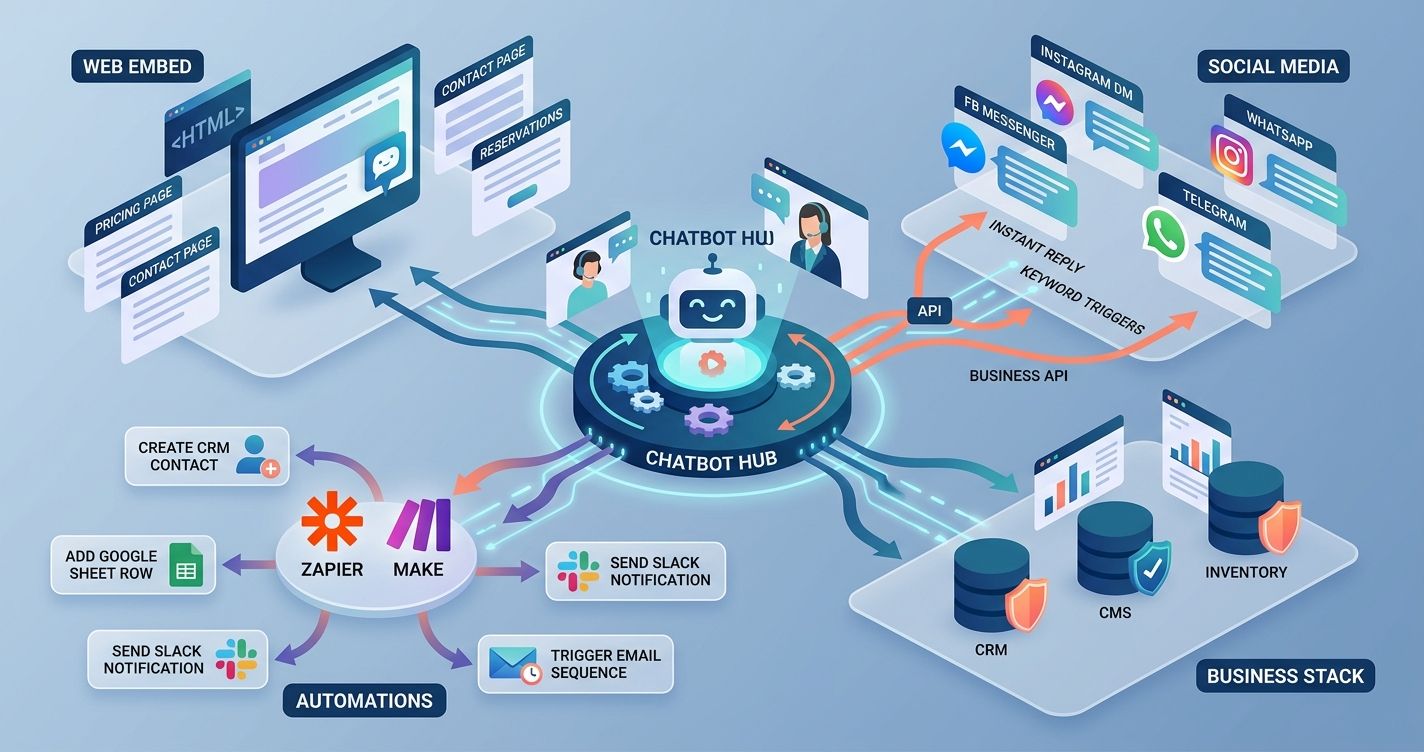
Every platform on this list offers a web widget you can embed with a snippet of HTML. Copy, paste, done. Most also provide native integrations for Facebook Messenger and Instagram. WhatsApp and Telegram typically require a business API connection, which a few platforms handle for you on the free tier.
Place your web widget on high-intent pages: pricing, contact, and product pages. Don't bury it on your homepage footer where nobody scrolls. If you're running a hospitality business, put it on your reservations page. If you're in automotive, embed it on your inventory listings.
For social media, set up keyword triggers. When someone DMs your Instagram with "price" or "available," the bot should respond instantly with relevant info. That speed chips away at the response-time advantage your bigger competitors have.
Third-Party Automations with Zapier and Make
Zapier and Make turn your chatbot into the front door for your entire business stack. A new lead captured by your bot can automatically create a contact in your CRM, add a row to a Google Sheet, send a Slack notification to your sales team, and trigger a follow-up email sequence.
Some free chatbot plans include native Zapier integration. Others require a paid tier. Check this before you commit. If your platform doesn't support Zapier natively, look for webhook support. Webhooks let you send data to almost any tool with a bit of configuration.
The goal is eliminating manual data entry. Every time someone on your team copies a name and phone number from a chat window into a spreadsheet, you're bleeding time that a two-minute automation could reclaim.
Future-Proofing Your No-Code AI Strategy
The no-code AI chatbot space is moving fast. Models are getting cheaper, platforms are getting smarter, and customer expectations keep climbing. Here's how to stay ahead without overcomplicating things.
Pick a platform that supports multiple AI models. If your builder only works with one model and that model's pricing doubles next year, you're stuck. Platforms offering both GPT-4 and Claude give you flexibility. Wexio's AI assistants, for instance, let you switch between models depending on the task, whether that's classification, auto-replies, or document analysis.
Invest in your knowledge base. The bots that perform best in 2026 are the ones trained on rich, well-organized company data. Keep your FAQs, product docs, and policy pages updated. That content is the fuel your AI runs on.
Build with privacy in mind from day one. GDPR compliance, encrypted data storage, and EU-hosted infrastructure aren't just nice-to-haves. They're table stakes for any business handling customer data. Check that your chosen platform meets these standards before you start collecting conversations.
Review your bot's performance monthly. Track resolution rate, handoff rate, and customer satisfaction. Use median values for response times to filter out outliers. A bot that resolves 70% of inquiries without human help is saving your team real hours every week.
The best no-code AI chatbot builders with zero upfront cost give you room to experiment, learn, and grow. Start with a free tier, prove the value, and scale from there.
If you're ready to automate customer conversations across WhatsApp, Instagram, Telegram, and Viber from a single dashboard, Wexio's free plan is a practical place to begin. No credit card, no code, no guesswork. Get started here.
Sources:
- Salesforce, "State of the Connected Customer," 6th Edition, 2025
- G2, "Chatbot Software Market Report," Q1 2026
- HubSpot, "The State of AI in Customer Service," 2025