Here's the thing nobody selling you a "no-code chatbot builder" wants to admit: the builder is the easy part. Drag a box, connect a line, done. I've watched people spin up a bot in twenty minutes and then spend the next three weeks wondering why customers hate it. The tool was never the hard part. The conversation was.
I previously worked at a WhatsApp BSP, and now I build Wexio, which is itself a no-code chatbot platform. So I've seen this from both sides: the vendor promising "live in five minutes" and the small business owner staring at a blank flow canvas at 11pm. This guide is the version I wish those owners got. Not "here are ten tools", but how to actually build a no-code chatbot that people don't rage-quit, step by step, with the decisions that matter called out before you waste an afternoon on the ones that don't.
What a no-code chatbot actually is (and what it isn't)
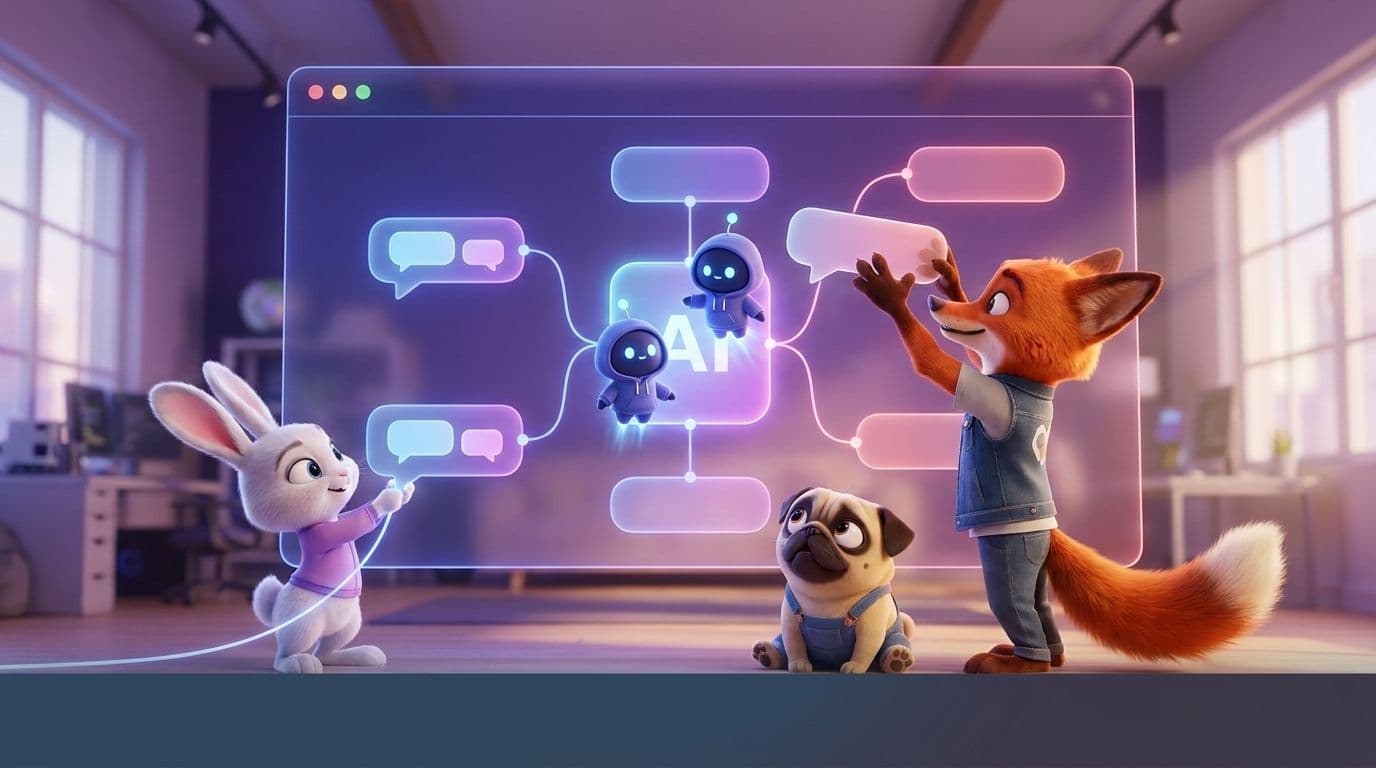
A no-code chatbot is a bot you build through a visual interface, drag-and-drop flows, buttons, forms, AI cards, instead of writing code. You get a canvas, you connect steps, you publish it to a channel like your website, WhatsApp, or Telegram. No developer, no server, no deploy pipeline.
What it isn't: a magic box that understands your business by osmosis. No-code removes the coding. It does not remove the thinking. You still have to decide what the bot is for, what it says when it doesn't know something, and when it should shut up and hand the conversation to a human. Skip that and you've built a very fast way to annoy people.
There are broadly two flavors, and picking the wrong one is the most common early mistake:
- Rule-based (flow) bots. Buttons and branches. "Press 1 for orders, 2 for support." Predictable, cheap, great for FAQs and simple routing. Dumb the second someone types something you didn't anticipate.
- AI bots. An LLM reads the message and answers in natural language from your content. Handles the messy real questions, but needs guardrails so it doesn't confidently make things up.
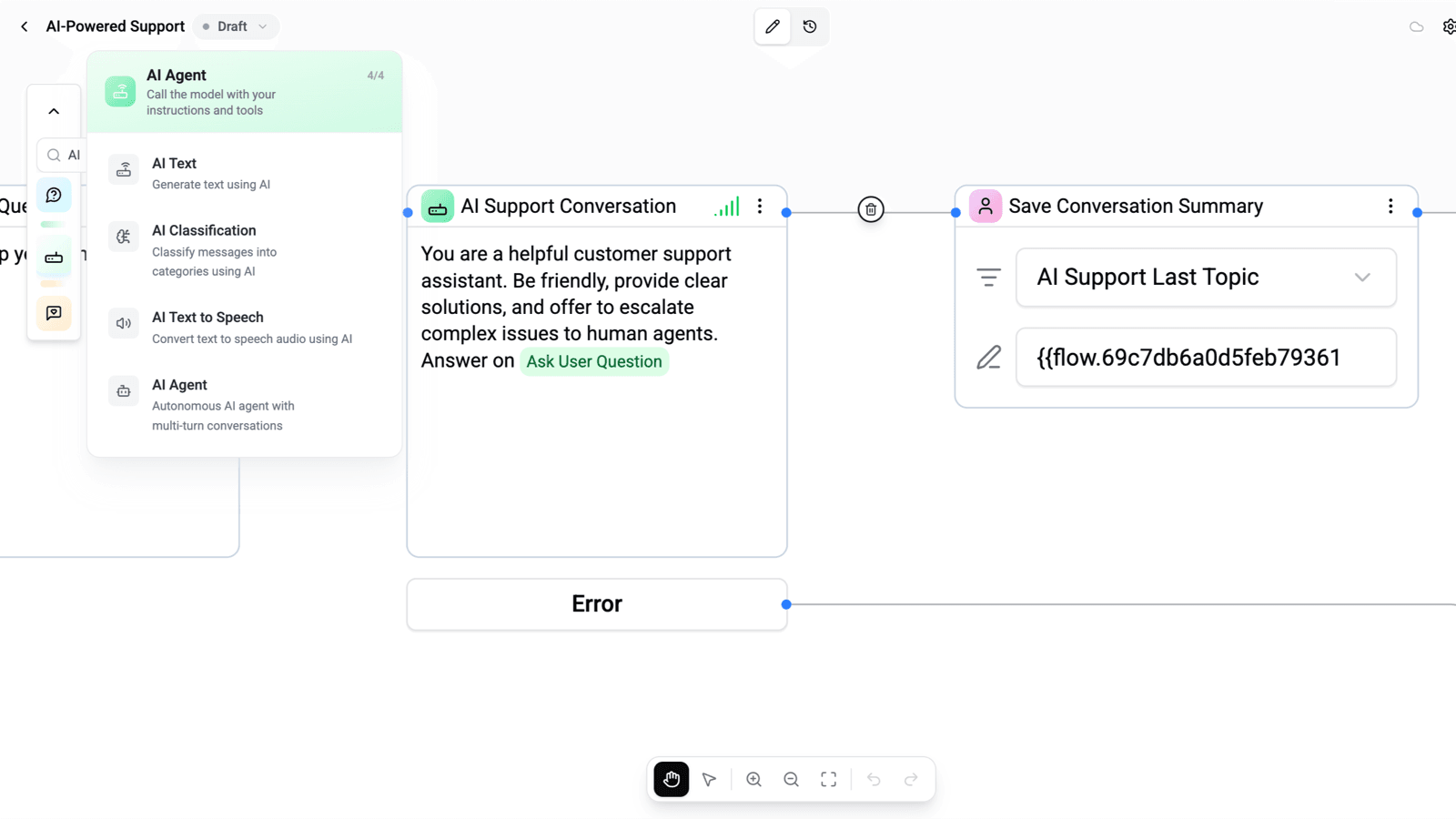
The good news in 2026 is you don't have to choose. The better no-code AI chatbot builders let you drop an AI card into a rule-based flow, so buttons handle the predictable stuff and AI catches everything else. That hybrid is what I'd build for almost any small business today.
The one decision to make before you touch a builder
Before you sign up for anything, answer two questions on paper. This is the decision that saves you a rebuild.
1. Where does the bot live? A chatbot on your website is a different animal from one on WhatsApp or Telegram. Website widgets are great for pre-sales and support at the moment of intent. Messaging bots reach people where they already are and get far higher open rates. Pick the channel your customers actually use, not the one that's trendy.
2. What is the one job it does? Not five jobs. One. "Answer shipping questions and hand off the rest." "Book a call." "Qualify a lead and drop it in the inbox." A bot with one clear job feels helpful. A bot that tries to do everything feels like a phone tree from 2004.
Speed is the reason any of this pays off. The old Lead Response Management study found you're far more likely to qualify a lead if you respond within five minutes versus even thirty. A no-code chatbot's real value isn't cleverness. It's that it replies in five seconds, at 2am, while you sleep.
How to build a no-code chatbot, step by step
Here's the actual build. I'll keep it platform-neutral so it works whether you're on Wexio or anything else, and note where a good tool makes a step disappear.
Step 1: Pick your channel and connect it
Start with the one channel from your decision above. On most platforms this is a connect-and-authorize step: for a website, you paste a snippet or install a plugin; for WhatsApp or Telegram, you link the number or bot token through the platform. If connecting a channel feels like it needs a developer, that's a red flag about the tool, not about you.
Step 2: Write the bot's one job as a first message
Before any flow, write the opening message and the fallback. The opener sets expectations ("Hi, I'm the Acme assistant. I can help with orders, shipping, and returns."). The fallback is what it says when it's stuck ("I'll grab a teammate for that, one sec."). Most people build the happy path and forget the fallback, which is exactly where bots go to die.
Step 3: Build the flow, and mark where AI takes over
Now the canvas. Lay out the predictable branches as buttons: your top three or four requests. For everything outside those branches, route to an AI step that answers from your own content, your FAQ, help docs, product pages. In a hybrid builder this is one AI card wired to the "none of the above" branch. Feed it your real content and it stops guessing.
Keep flows shallow. If a customer has to tap through five menus, you've rebuilt the thing everyone hates. Two or three steps to an answer or a human, max.
Step 4: Add a human handoff before you launch, not after
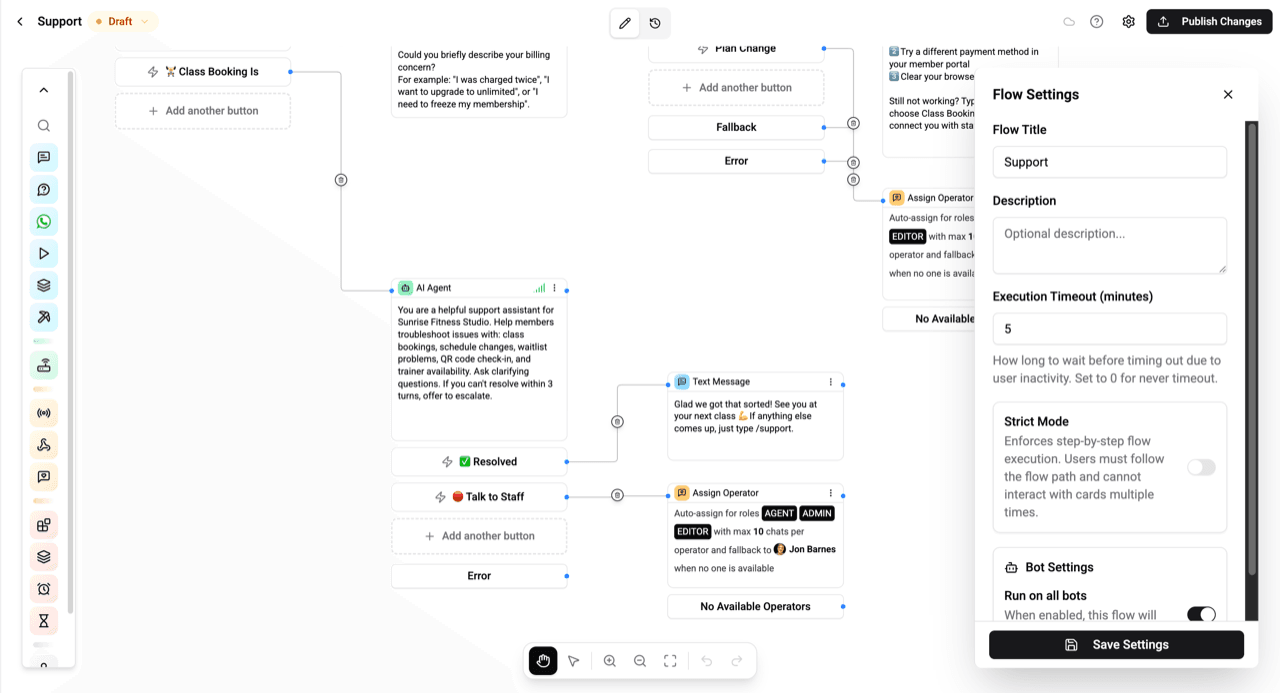
This is the step that separates a bot people tolerate from one they trust. Decide the trigger for handing off to a person: an explicit "talk to a human", a detected complaint or negative sentiment, or the AI failing twice in a row. When it triggers, the conversation should land in a real shared inbox with the full history, so your teammate isn't asking the customer to repeat themselves. A bot that can't reach a human is a trap, and customers can smell it.
Step 5: Test with real messages, not your own happy path
You know what your bot is supposed to do, so you'll unconsciously test it gently. Don't. Type like a frustrated customer: typos, half-sentences, "where's my order", "this is broken", switching topics mid-chat. Send it to two or three people who've never seen it. Every gap they hit is a branch or an AI instruction you add before launch. Read the transcripts afterward too, they're the best free product research you'll ever get.
No-code vs low-code vs a developer: the honest trade-off
No-code isn't always the answer. Here's where each one genuinely wins, no sales pitch:
| Approach | Best for | Trade-off | Time to live |
|---|---|---|---|
| No-code | FAQs, lead capture, booking, support routing, most small businesses | Bounded by what the platform supports | An afternoon |
| Low-code | Custom logic or integrations on top of a visual base | You'll touch some scripting or webhooks | Days |
| Full developer build | Deep custom systems, unusual integrations, huge scale | Cost, maintenance, someone has to keep it alive | Weeks to months |
My honest take: if you're a small or mid-size business and your bot's job is customer conversations, no-code wins on every axis that matters, and it isn't close. The custom build only pays off when you've genuinely outgrown what platforms offer, and most businesses never do. Where a coded bot really wins is a weird, proprietary workflow no platform models, and if that's you, you probably already know it.
Mistakes I see people make (so you can skip them)
- Building for every question instead of the top five. Eighty percent of your messages are a handful of questions. Nail those, hand off the rest.
- No human handoff. The single fastest way to make customers hate your bot.
- Launching without a fallback message. The bot hits an unknown and just... stops. Silence reads as broken.
- Turning AI loose with no content. An LLM with nothing to ground it will invent a return policy. Feed it your real docs.
- Never reading the transcripts. The answers to "why isn't this working" are sitting right there in the chat logs.
Frequently Asked Questions
Can I really build a chatbot with no code at all?
Yes, for the vast majority of use cases. FAQ answering, lead capture, booking, support routing, and AI replies from your content are all standard no-code features now. You'd only need code for an unusual custom integration, and even then, many platforms cover it with webhooks you configure rather than write.
Is there a free no-code chatbot builder?
There are several, and most have a genuinely usable free tier. We keep a current rundown in our best free no-code AI chatbot builders piece. Wexio's own free tier runs your first 100 operations a month with no credit card, which is enough to build and test a real bot before you pay anything.
How long does it take to build one?
A focused bot with one clear job, a website or messaging channel, a short flow, an AI fallback, and a human handoff, is an afternoon of work. What takes longer is the thinking before the building: deciding the job, writing the messages, and testing with real people.
Do no-code chatbots use AI, or just buttons?
Both, and the best ones combine them. Buttons handle predictable requests cheaply and reliably; an AI step catches the messy real questions by answering from your content. That hybrid, rules plus AI in one flow, is what I'd build for almost any business in 2026.
Can one no-code bot work on my website and WhatsApp?
On a single-channel builder, no. On a unified platform, yes: you build the logic once and publish it to your website, WhatsApp, Telegram, and more, with every conversation landing in one shared inbox. That's the setup I'd point most businesses toward, so you're not rebuilding the same bot per channel.
If you want to build one without wrestling five disconnected tools, that's exactly what we built Wexio for. Start free, connect your first channel, and have a working no-code chatbot with AI and human handoff live today, no credit card, no developer.