A buyer from a company you would love to work with opens your website at 21:40 and asks whether you can handle her volume. The chat widget greets her the same way it greets everyone. Her question lands in a queue, behind a student asking for a free template and a job seeker asking where to send a CV. Nobody sees her until the morning, and by then she has opened three other tabs.
This is what happens when a chat built for support gets pointed at sales. Support tools care about closing the conversation. In B2B, the chat has a different job: find out who this is, what they need and when, and put them in front of the right person. My opinion, which a lot of roundups avoid: for a B2B chat, a conversation that ends without a handoff or a clear next step is a failure, however fast it closed.
What is a B2B chat actually for?
A B2B chat is for sorting visitors and routing the ones that matter to a person, not for resolving tickets. That sounds like a small difference. It changes everything you configure.
A support chat asks "did that answer your question?" A sales chat asks "is this someone we should talk to, and who on our side should do it?" Those need different questions, different handoff rules and a different idea of success. If your chat tool only has a way to mark a conversation as resolved, it was built for the first job.
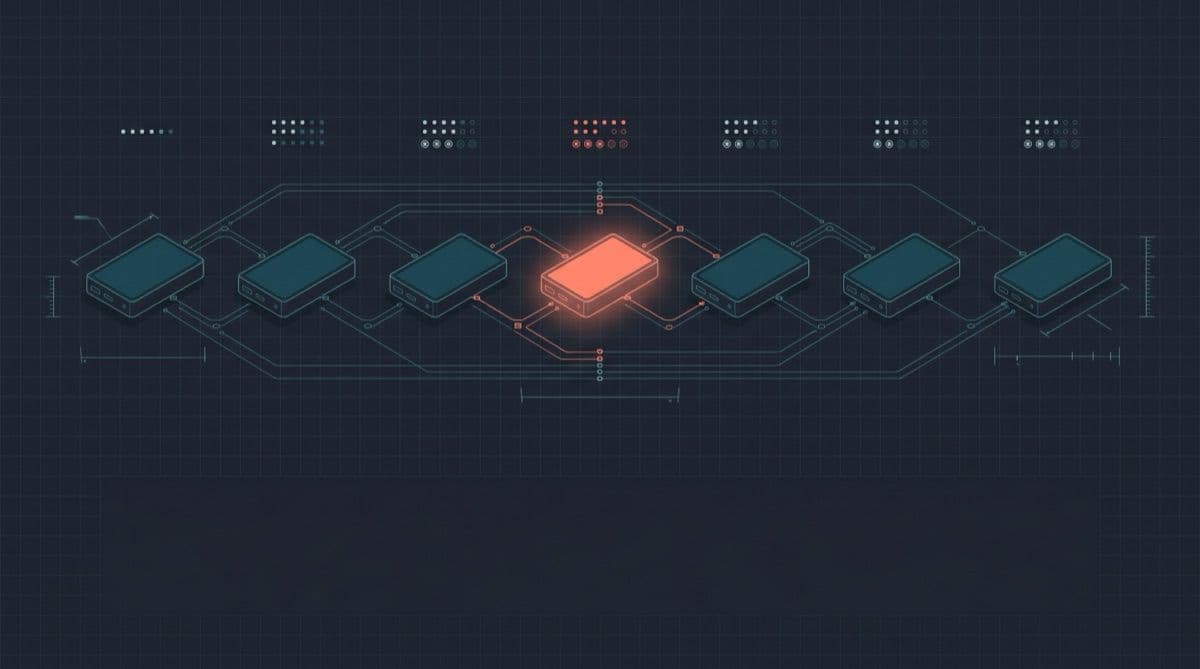
B2B also has a mix of visitors that consumer sites rarely see. Decision makers, researchers gathering options for their boss, existing customers who want support, vendors who want to sell to you, students and people looking for a job all use the same widget. Treat them identically and the one visitor worth a call waits the longest. Our comparison of an AI chatbot and live chat covers the general split. Here I want to stay on the sales side of it.
The other thing B2B changes is timing. Business buyers research in office hours, but also late in the evening and at weekends, from a different time zone, often in a language that is not your team's first. A chat that qualifies around the clock, in the visitor's language, means the person who picks it up in the morning starts with a briefing instead of a blank page.
Which questions should the chat ask, and in what order?
Start with what brought them here, then what they are trying to solve, and only then ask who they are and when they want it. The order matters more than the exact wording.
The rule I use: answer first, ask second, and never ask for contact details before the visitor has got something. A visitor who types a question and is met with a form asking for a work email leaves. A visitor who gets a useful answer and then a light question about their situation usually keeps going. Each question should feel like it earns the next one.
| Order | Question in the chat | What it tells you | Where it points |
|---|---|---|---|
| 1 | What brought you here today? | Buyer, existing customer, vendor, student or job seeker | Sorts the visitor into the right path straight away |
| 2 | What are you trying to solve? | Whether your product fits the problem at all | A person, or a polite answer that you are not the right fit |
| 3 | Which company are you with, and what is your role? | Decision maker, influencer or researcher | Senior contact to a senior person on your side |
| 4 | Roughly how big is the team or volume involved? | Scale of the opportunity, in their own words | Which salesperson or which kind of call |
| 5 | When do you want this in place? | Urgency | Talk now, book a call, or follow up later |
| 6 | Shall I find a time with someone, or send you the details? | How they prefer to continue | Calendar booking or a written follow-up |
Why this order works
The first question is not really about the lead. It is about sorting. Once the agent knows this is a buyer, it can skip the questions that only make sense for a customer asking for help, and it never asks a job seeker for their budget.
The second question checks fit before you spend anyone's time. If someone wants something you do not do, the kindest thing is to say so in the chat, in under a minute, instead of booking a call that ends in awkward silence.
Role and company come third on purpose. By now the visitor has had a reason to type, so giving a name feels like a normal part of the conversation and not a toll gate. Size and timing come last because they are the questions people hesitate over, and by the fourth turn they trust the chat a little more.
Three questions beat eight
You do not need to ask all six every time. If the visitor already says "we are a team of logistics managers and we need this before the new quarter", the agent has answers to three of them. A good agent reads what was said and only asks for what is missing. A form cannot do that. A conversation can.
Keep the list short enough that a person would not be embarrassed to ask it face to face. If you would not ask it at a trade fair stand, do not ask it in the chat.
How does an answer become a handoff to a person?
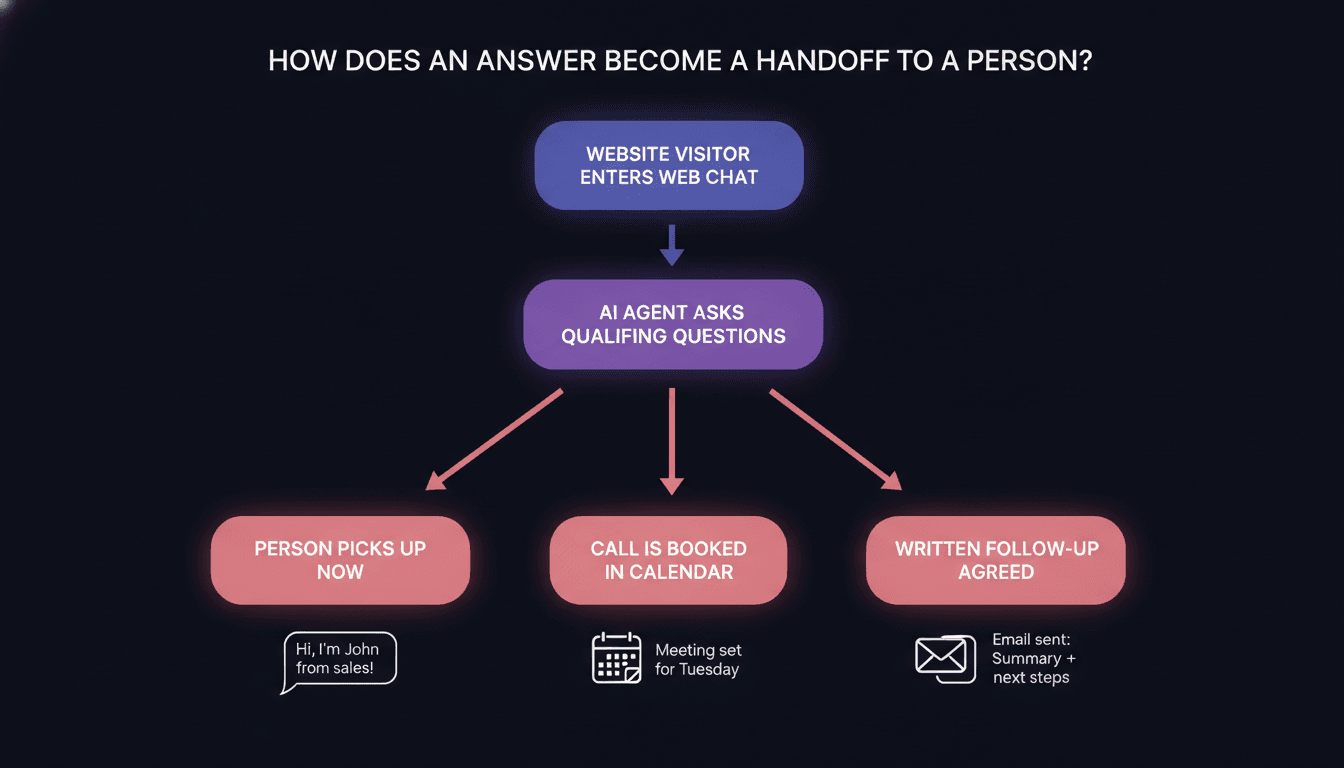
You decide in advance what "qualified" means, and tie each outcome to a next step that someone owns. The handoff is a rule you write, not a moment the AI improvises.
Write it down in plain words before you touch any tool. For example: a buyer, with a problem that matches what you sell, with a role that can decide or recommend, and a timeframe that is not "someday". That is a lead for a person now. Everything else goes elsewhere. The definition will be wrong at first. That is fine, you will tune it after reading real conversations.
Then give every qualified lead one of three outcomes:
- A person picks it up now. A salesperson is online, the visitor is a strong fit, and the conversation moves to them while the visitor is still there.
- A call is booked. Nobody is online, or the visitor prefers a scheduled conversation. The agent offers times from the real calendar and books one.
- A written follow-up is agreed. The visitor wants details first. A person follows up with the right material, and the conversation stays attached.
The conversation has to travel with the lead
The most irritating handoff for a buyer is being asked everything again. "Hi, how can I help?" from a salesperson who has not read the chat tells the visitor that the earlier minutes were wasted.
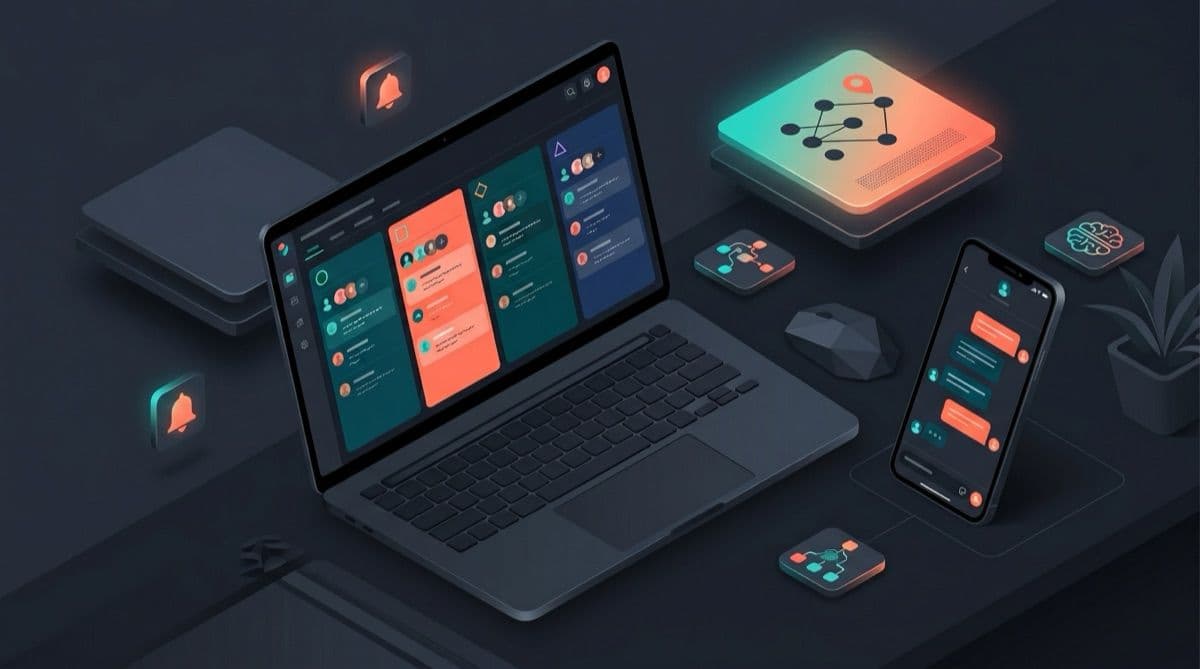
So the test of any B2B chat tool is simple. When a person takes over, can they see the whole conversation, in the same place they work, without a copy and paste step? In Wexio, the conversation sits in the one inbox with the visitor's contact record, and when a person joins, the AI agent stops answering. There is no moment where the agent and the salesperson talk over each other.
That second part is easy to overlook and it matters. An agent that keeps answering after a human has stepped in will contradict them sooner or later. Handing over means the AI goes quiet.
Handoff at night
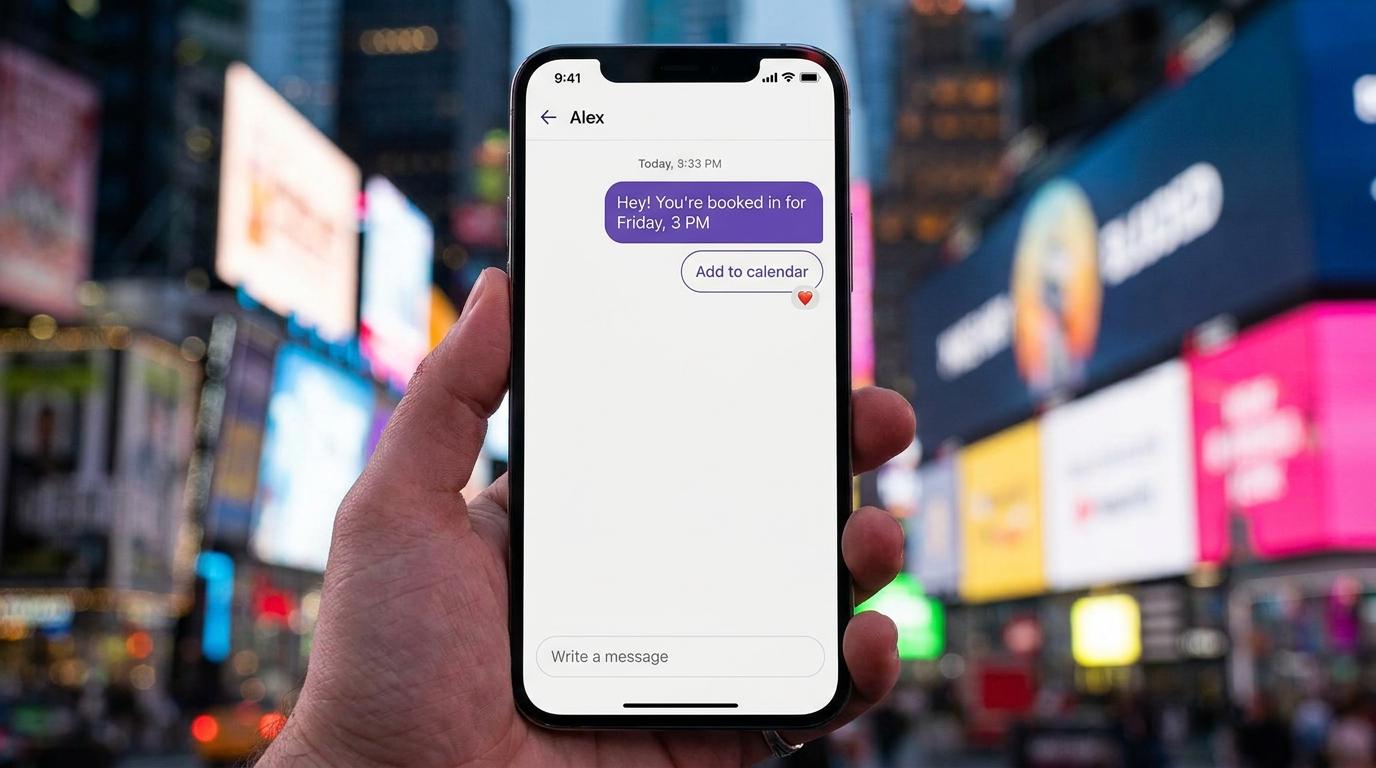
For the 21:40 buyer, the handoff is a booking. The agent asks the qualifying questions, offers real slots, and books her into the calendar of the right person. Wexio books through the AI agent and the web widget into Google Calendar and others. When your salesperson opens the inbox the next day, there is a conversation with answers in it and a call already in the diary.
That does not replace the sales call. It replaces the three emails it takes to arrange one, and the cost of not knowing who you are about to speak to.
How do you set it up in Wexio, step by step?
Start with the web chat widget, give the AI agent your real answers, add your qualifying questions, and set the handoff and the calendar. It is an afternoon of thinking more than an afternoon of clicking.
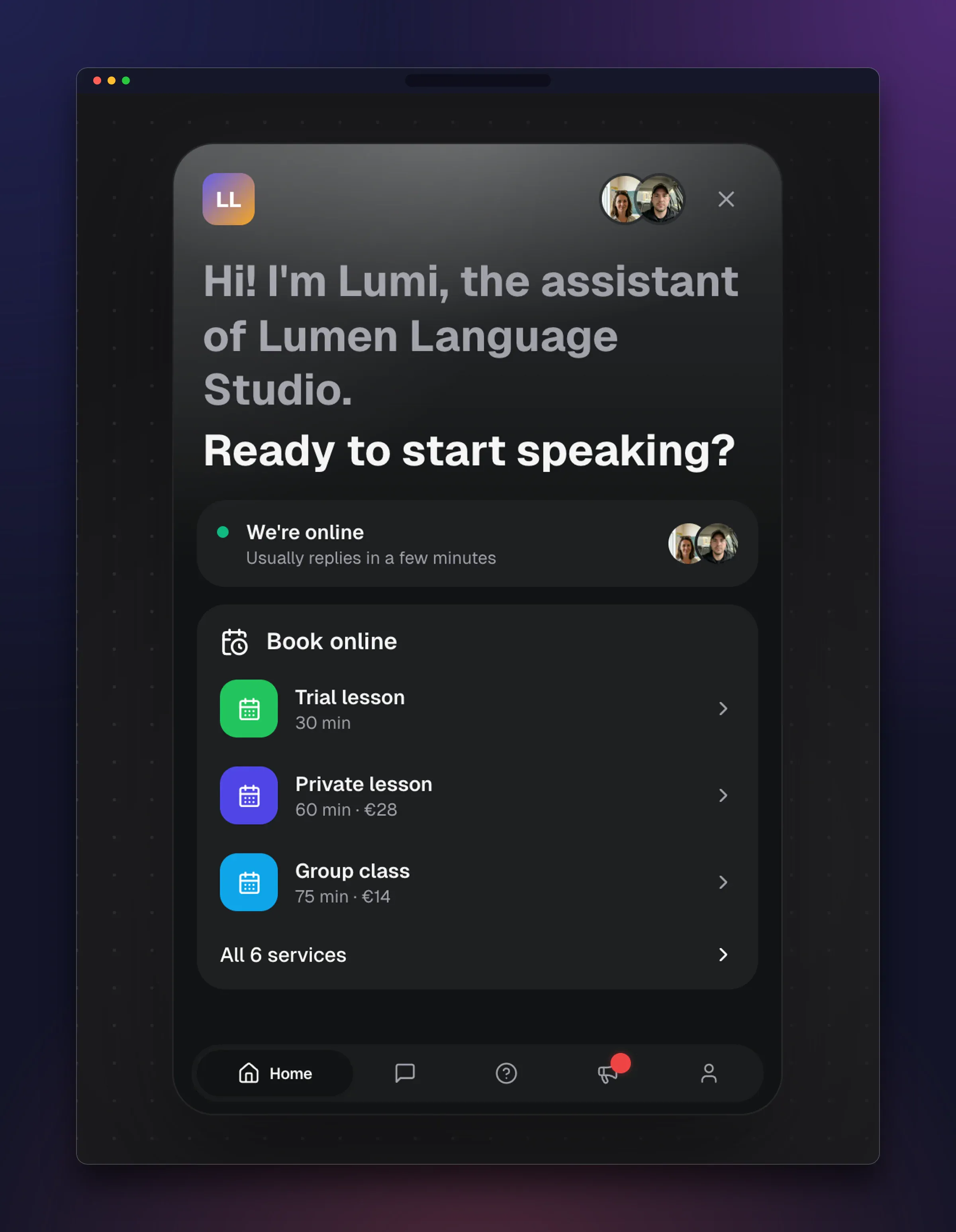
- Add the web chat widget to your site. It goes live on the pages where buyers actually land, not only the contact page. Pricing and product pages are the obvious first places.
- Give the AI agent your answers. Product pages, how onboarding works, what you do not do, who you serve. The agent answers from what you give it. Also add the honest "this is not for us" answers, because they save your team time.
- Write the qualifying questions in the order above. Tell the agent what a qualified lead looks like in your words, and what to do when the answer is no.
- Set the handoff. Decide who takes a conversation when it qualifies, and what the agent says while it waits for them. Wexio's agent stops answering as soon as a person joins.
- Connect your calendar. So that when nobody is online, the agent books a call instead of promising that someone will be in touch.
- Read the first conversations yourself. Every day for the first week. You will find questions you forgot to answer and a definition of "qualified" that is too loose or too tight. Adjust, then read again.
What you see in the one inbox is the same thread the visitor had: the agent's questions, their answers, the moment a person joined and everything after it. That is the point of one inbox. The sales conversation is not in the chat tool while the contact lives somewhere else.
If the same buyer later writes on WhatsApp or by email, that is the same inbox too. Web chat, WhatsApp, Instagram, Telegram, Viber and email are all live, so a B2B lead who prefers a messaging app does not start over. For a broader view of what to look for, our live chat software features checklist lists the questions worth asking any vendor.
Where do students, job seekers and vendors go?
They get an answer, a pointer to the right page, and a different route from your buyers. They never get a salesperson.
This is where generic chat tools do the most damage. If every visitor is treated as a potential deal, your team learns to ignore the notifications, and the ones that matter get lost with the noise. Sorting is what makes the notifications worth trusting again.
Here is what I would set up for each group:
- Job seekers: a short, friendly answer pointing to your careers page or the person who handles it. No qualifying questions.
- Students and researchers: point them to the help center articles in the widget or your public resources. If they ask something an article answers, the agent answers it. They do not need a call.
- Vendors who want to sell to you: a polite note on where to send a proposal. They should not reach a salesperson's inbox.
- Existing customers with a problem: routed to support, not to the sales queue. If they mention an expansion or renewal in passing, flag it for the account owner.
The agent does not need to be rude to anyone. It just needs to know that a polite answer is the end of the road for some of these conversations. That is what "AI that knows its place" means for a sales team: it answers everyone, and it only interrupts your people when it should.
What happens to the leads who are not ready?
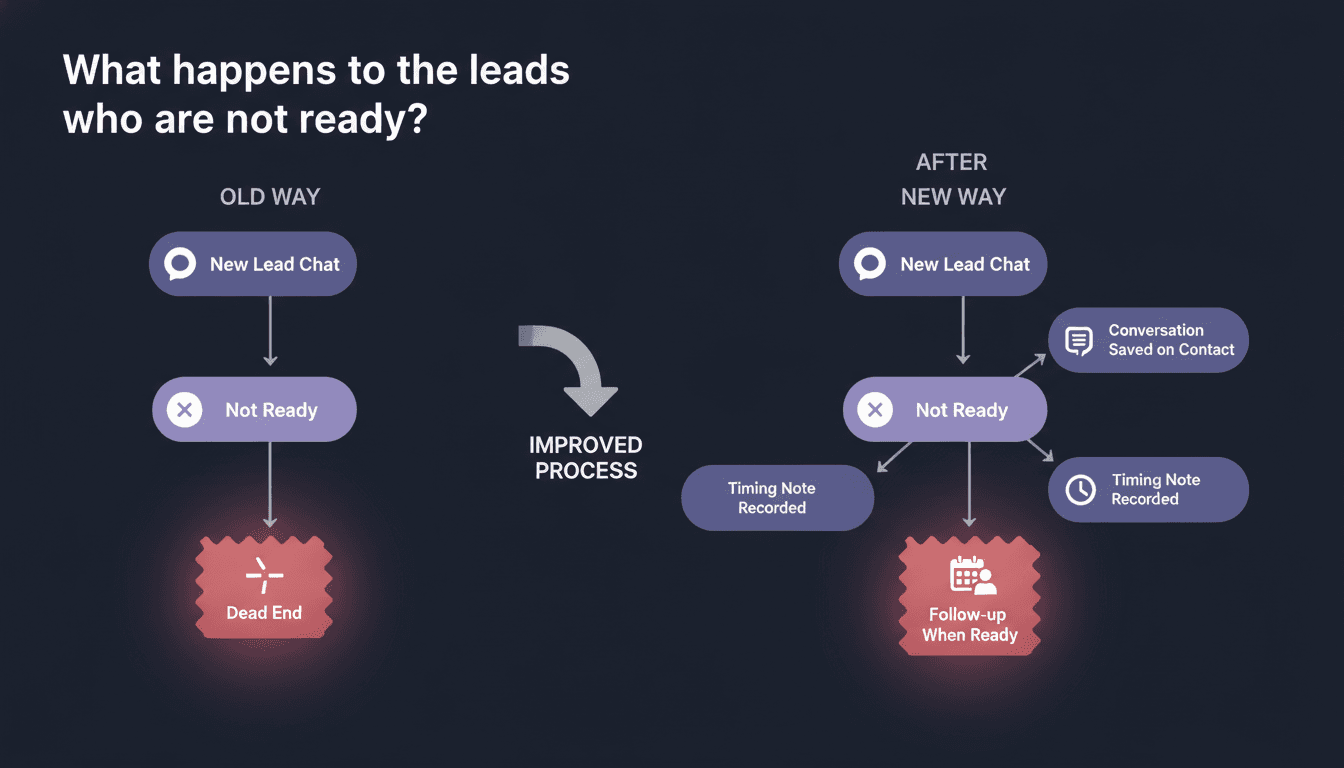
They stay in your system with what they told you, and someone follows up when their timing says so. A lead who says "next year" is not a dead lead. Most chat tools treat them as one.
The not-ready group is usually bigger than the ready group. Researchers, people comparing options, teams waiting for budget. If your chat only knows how to say "book a demo" or "goodbye", you lose them at exactly the moment you could have started a relationship.
Here is what I would do with them, in order of effort:
- Ask about timing and write it down. "We are choosing in the spring" is worth more than an email address. The conversation, with that line in it, is attached to their contact in Wexio's CRM people, alongside the fields you keep for each person.
- Offer something that fits where they are. A relevant help center article, a short answer, or the offer to message them when something changes. Do not offer a demo to someone who has told you they are months away.
- Follow up by hand when the time comes. A person who reads the earlier conversation and writes "you mentioned the spring, is that still the plan?" will get a reply more often than a generic newsletter.
- Use broadcasts only for people who agreed to hear from you. Wexio has broadcasts, and they suit an update for a group of contacts who asked for one. They do not suit a blast to everyone who ever typed a question. Respect the rules of each channel, and keep it short.
I would not try to automate a long nurture sequence out of a chat conversation. A short, personal note from someone who remembers what was said is more useful, and for a B2B deal with a handful of decision makers it is easy to manage by hand. If you run a large volume of early-stage leads and need scheduled multi-step email programmes with scoring, a dedicated marketing tool does that job better. Pair it with the chat, and keep the chat for the conversation itself. You can check what connects on the integrations page.
Where does the chat stop and the sales call start?
The chat stops at a qualified, briefed lead with a next step booked. The sales call is still where the deal happens, and the AI is not there to take it from your team.
I work on Wexio, so weigh this accordingly, but I will say it plainly: I do not want an AI agent negotiating contracts, handling an unhappy executive or deciding that a complicated enterprise deal is not worth a call. Those are human conversations. The agent's job is to make sure a human walks into them with context and with the right person in the room.
Honest limits, so you can judge whether it fits:
- If you need automatic company lookups and account-based routing by territory across a large sales team, a dedicated sales tool is built for that. Do not expect a chat inbox to replace it.
- If your buyers are almost always reached through outbound calls and the website is secondary, a chat will matter less to you than to a business where buyers arrive by themselves.
- If you have a very small team and one salesperson, you may not need routing at all. You need the agent to answer at night and to book the call.
Where it fits well is a business where inbound interest comes in at all hours, in more than one language, and where your people's time is the scarce thing. That is a lot of B2B companies in Portugal and Spain selling across borders. Busy is good. Buried is optional.
If you want to see the shape of it, you can try the web widget and the AI agent with a free trial at app.wexio.io. If you are weighing it against other tools, our live chat software comparison shows which tool fits which team, and the pricing page has the plans.
FAQ
Should the chat ask for an email address first?
No. Ask it after the visitor has received something useful and after the agent knows enough to say why you want it. Asking first looks like a form with a face. If a call is being booked, the booking itself usually collects the contact detail.
Can the AI agent book a sales call by itself?
Yes. Wexio's AI agent and web widget can book into a connected calendar such as Google Calendar. The salesperson then opens the inbox with the conversation already attached, and the visitor does not wait for an email back. Our guide to adding a booking system to your website through chat walks through the booking side.
Does this only work on the website?
The web chat is the natural place for B2B qualifying, but a lead who follows up on WhatsApp, Instagram, Telegram, Viber or email lands in the same inbox. The conversation does not split by channel.