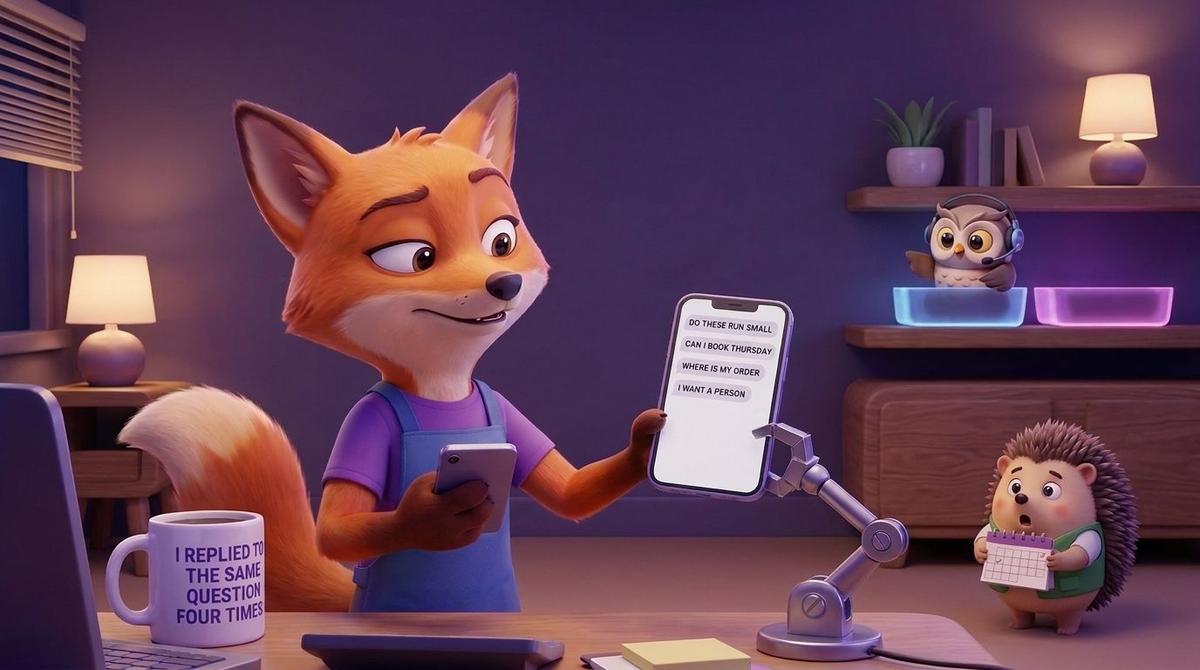
You're in the queue at the post office and your phone shows the fourth "do these run small?" of the morning. Same question. Same answer you typed yesterday. Instagram is where customers find you, so it's where they ask, and you cannot be online all day.
Most roundups of Instagram automation tools count features: auto-replies, keyword triggers, quick replies. I think that's the wrong scoreboard. Any tool can send a reply. What matters is the moment the bot can't finish the job: an angry customer, a strange request, a question nobody wrote an answer for. Judge a tool by where the conversation goes next.
What can Instagram DM automation actually handle?
It can handle the repetitive middle of a conversation: answering questions you've already answered many times, collecting the details you always need, and booking a time. That's most of what lands in a small shop's or consultant's DMs on a normal day.
Answer
Think of the questions you could recite in your sleep. A footwear or fashion store gets sizing, delivery times, return rules and whether something can be exchanged. A cosmetics brand gets questions about ingredients, how to use a product, and shipping. An advisor or consultant gets "what does the first session include?" and "how does it work online?"
The agent answers from what you've given it, so the quality of the answer depends on what you've written down. If your return policy lives only in your head, the agent has nothing to say. A good one says it will pass the question to a person rather than guessing.
Collect
Half of a good reply is a good question back. The agent can ask for a name, an email, an order number, a size, the product someone means, or what they're hoping to get from a consultation. In Wexio those details end up on the person's record in the CRM, next to the conversation, so you don't copy them out of a chat later.
Book
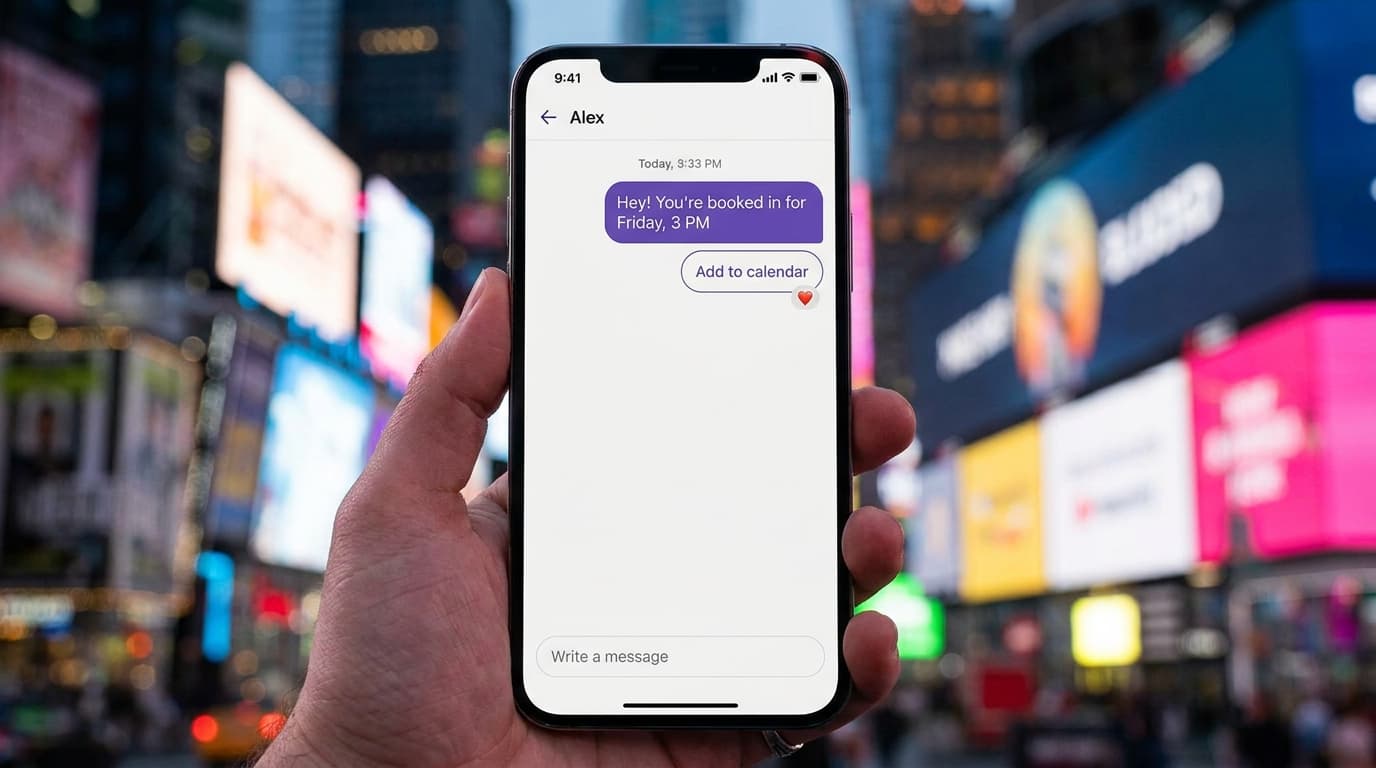
A booking is different from sending someone a link and hoping. The agent can offer times from your calendar (Google Calendar and others), confirm one, and put it in the diary, all inside the DM. A customer who asks about a consultation at lunchtime has a slot by the time they're back at their desk.
About "auto reply messages"
A fixed away message is not the same thing. "Thanks, we'll get back to you soon" is polite, but the customer still waits and still has to ask again later. An AI agent reads the actual question. If all you want is an away message, Instagram has a built-in one. If you want the question answered, you need more than that.
If you run a shop, the retail page shows how this fits the questions e-commerce teams get most.
What should always go to a person?
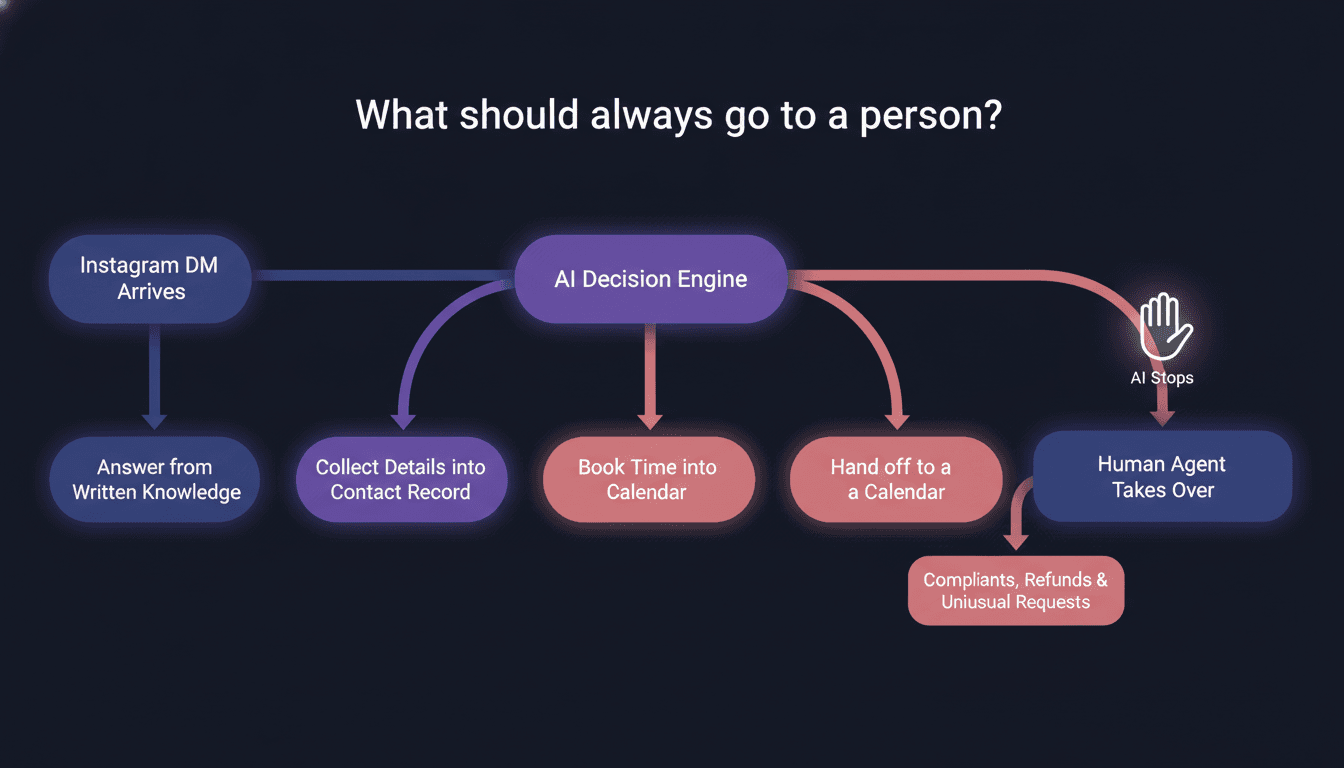
Anything where the customer is upset, where money or reputation is at stake, or where the request is one you haven't seen before. Automation should take the dull questions away so you have more attention for these, not hide them.
- Complaints. A damaged parcel or a wrong size sent twice needs a human tone, not a polite script.
- Refund disputes that go beyond your written policy.
- Unusual requests: wholesale enquiries, collaborations, press, custom orders.
- Anything sensitive. For a cosmetics brand, a customer describing a skin reaction is not a job for an auto-reply.
- "Can I talk to a person?" Always yes, and without a maze first.
Here is the whole split in one place.
| Job | Example in a shop or consultancy DM | Who handles it |
|---|---|---|
| Answer | "Do these run small?" or "How long is delivery to Porto?" | AI agent, from what you've written down |
| Collect | Name, email, order number, size | AI agent, saved to the contact |
| Book | "Can I do a first session on Thursday afternoon?" | AI agent, into your calendar |
| Hand off | "My order arrived broken and nobody replied." | You or your team, with the full thread in view |
| Hand off | "Can we stock your range in our boutique?" | You, because it's a business decision |
A handoff that doesn't make people repeat themselves
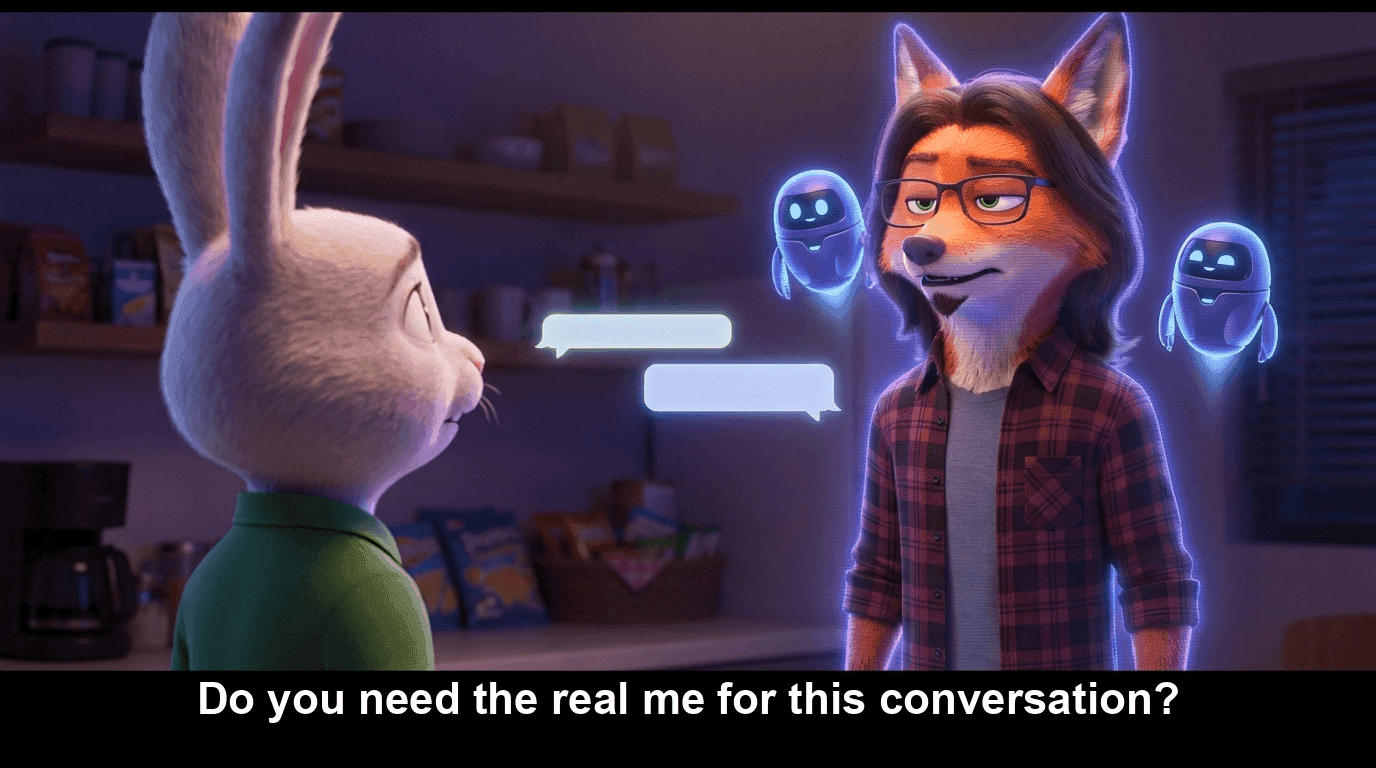
The test is simple. When a person takes over, can they read everything the customer already said? If not, the customer starts again, and that is worse than no automation. In Wexio the AI stops answering as soon as a person joins the conversation, so you never have the agent and yourself talking over each other.
How do I make my DMs open on Instagram?
Switch to a professional account, then check the messaging settings that control who can message you. Automation can only work on conversations that reach you, so this comes before any tool.
- Make sure your account is a professional (business or creator) account. You can change this in your Instagram settings.
- Open the messaging settings and look at who is allowed to message you, and where messages from people you don't follow end up.
- Check your message requests folder. Messages from people who don't follow you often wait there, and they are often new customers.
- Tell people to write. A line in your bio such as "DM us for sizes and bookings" does more than any setting.
Instagram moves its menus around from time to time, so if a name doesn't match, search Instagram's help centre for the current wording instead of trusting an old screenshot, including mine.
Which rules should I check before I automate?
Meta's, first. Automated messaging on Instagram runs on permissions Meta grants to tools, and those permissions and limits change. I'm not going to quote you a rule from memory and have it be out of date next quarter.
Do this check on the day you set up, and again every few months:
- Read Meta's current documentation on Instagram messaging in its official developer documentation. Look for how long after a customer's last message you can reply automatically, and what changes when a person replies instead.
- Look at what is allowed to start a conversation. Messaging people who haven't written to you first is where accounts get into trouble.
- Ask your tool which Instagram permissions it has been approved for. If it can't tell you plainly, that's an answer.
- Be clear with customers. Tell people they're talking to an automated assistant and how to reach a human. Being upfront also keeps you on the right side of privacy rules in Portugal and Spain, where you should explain what you do with the details you collect.
- Keep a person in the loop. A clear route to a human is both good service and good policy.
One thing to know about us: Instagram comment-to-DM and comment moderation are not live in Wexio. They're pending Meta's review, and I won't claim them until they're approved. Today we work on DMs.
How do I connect Instagram to an inbox and decide what the AI handles?
Connect the account, teach the agent your answers, then write down in plain words what it may do and when it must step back. The order matters. Most of the work is deciding, not clicking.
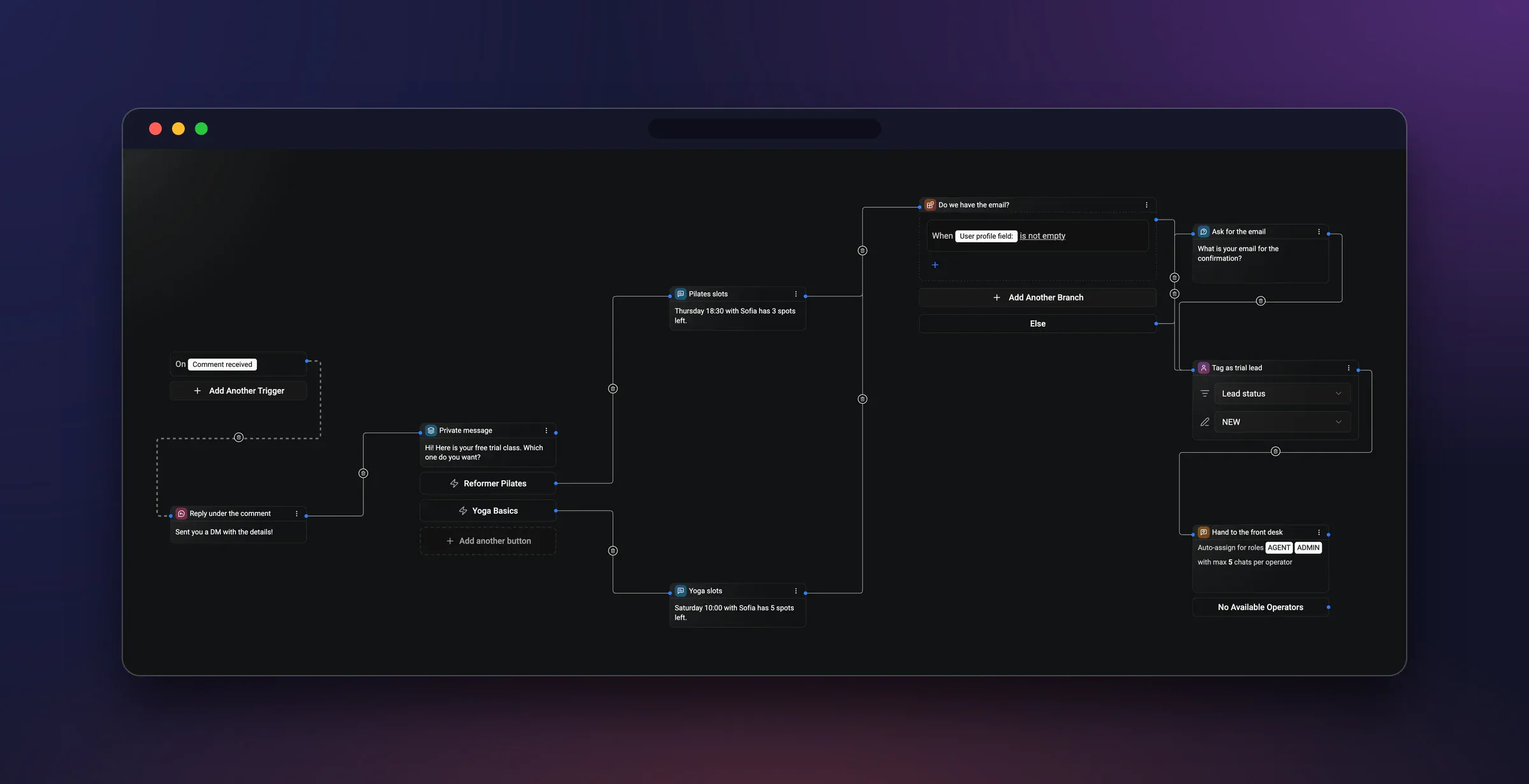
- Check the basics. Professional account, DMs open, as above.
- Add Instagram as a channel in Wexio and approve the Meta permissions when asked. Your DMs arrive in the same inbox as web chat, WhatsApp, Telegram, Viber and email, so you read one list instead of five apps.
- Give the agent your answers. Paste in your delivery times, return policy, sizing notes, opening hours and what a first consultation includes. Help center articles you've already written work well here.
- Decide what it answers, collects and books. Pick the five or six questions you get most. Pick the details you always ask for. Connect your calendar if you take appointments.
- Write your handoff rules. Complaints, refunds, anything about health or safety, anything not in its knowledge, and any time a customer asks for a person.
- Test it from a second account. Ask the obvious questions, then ask awkward ones. Be rude. Ask something it can't know. See where it sends you.
- Go live and read the conversations. For the first week, read what it said. You'll find gaps in your written answers quickly, and fixing them is the best improvement you can make.
If you want to see how I'd structure the automation around a conversation, the two WhatsApp flows translate nearly one to one. And if some of your customers prefer Telegram, the Telegram piece covers that side.
What does a booking look like inside an Instagram conversation?
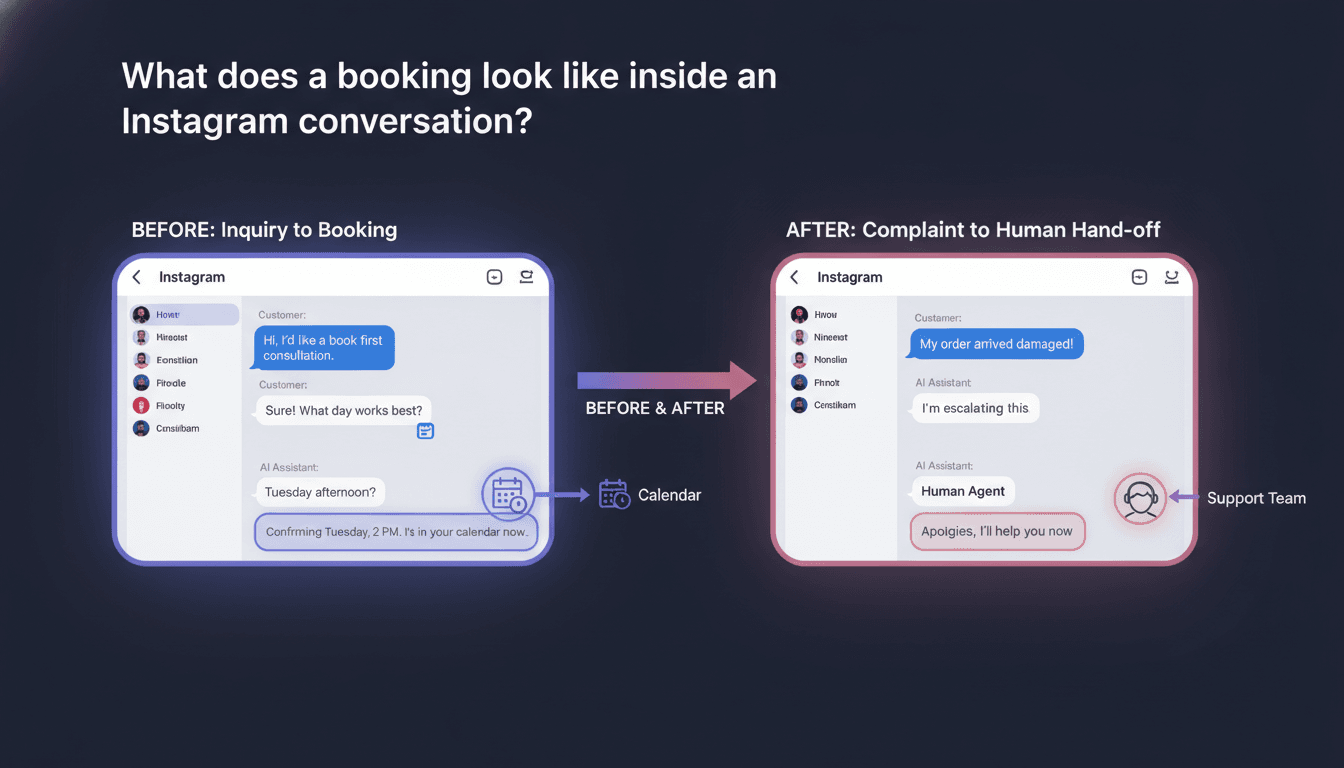
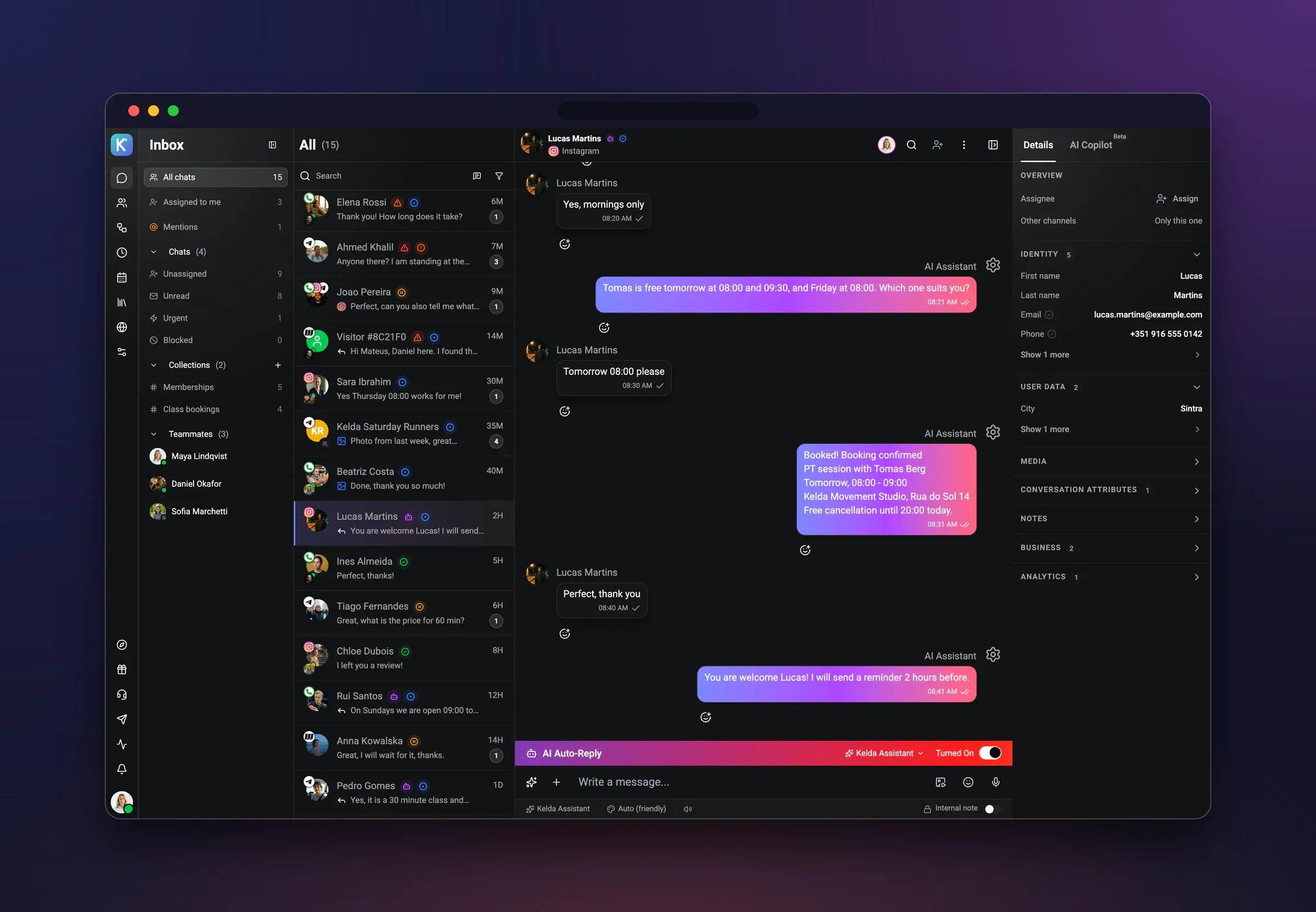
Picture a skincare advisor. A customer writes: "Do you do a first consultation? I can only do afternoons." The agent explains what the session includes, asks for a name and email, offers two afternoon slots from the calendar, and books the one she picks. The appointment lands in the diary. Her details sit on her record with the whole conversation attached. You did nothing.
Now the same inbox, an hour later, a different chat. A customer writes that her order arrived damaged and she's tired of waiting. The agent doesn't try to defend anything or offer a coupon. It says a person will take this and passes it on. You open the conversation, see everything she said, and answer in your own words. From that point the AI stays quiet.
Those two chats side by side are the whole idea. One finished by itself. One was never meant to. Both live in one inbox, so you can see the booked ones, the answered ones and the ones that need you, without switching apps.
How do I tell a good Instagram automation tool from a noisy one?
Ask what it does when it can't finish. Tools show off how many replies they can send. The useful questions are about the exit.
| Question to ask | What a good answer sounds like |
|---|---|
| What happens when the bot can't answer? | It says so, and the conversation goes to a named person or team. |
| Can a person see the whole thread? | Yes, from the first message, in the same inbox. |
| Does the bot stop when a person joins? | Yes, automatically, with no double replies. |
| Can the customer ask for a human? | Always, at any point. |
| Does it book, or only send a link? | It offers real slots from your calendar and confirms one. |
| Where do the details it collects go? | Onto the contact's record, not into a chat you scroll back through. |
| Which Meta permissions does it have? | A clear, specific answer you can check against Meta's docs. |
I should be fair here. Some tools are built mostly for growth tricks, like replying to comments with a DM for giveaways. If that's your main use, those tools do it today and we don't yet, because our comment features are waiting on Meta. If your problem is the same questions again and again, and you can't be online, the exit matters more than the trick. I work on Wexio, so weigh that, and test any tool with your own awkward messages before you trust it.
If you want to see how it behaves on your own DMs, start with the free trial at app.wexio.io. Pricing is on the pricing page. Busy is good. Buried is optional.
FAQ
Will the AI keep replying after I step into a chat?
No. Once a person joins the conversation, the AI stops answering. If you want it back for later messages, that's a setting for you to decide, not something that happens by surprise.
Can it answer in my customers' language?
Yes. Wexio replies in the language the customer writes in, which helps if your Instagram audience mixes Portuguese, Spanish and English. Check a few transcripts in each language during your first week.
Can it reply to comments on my posts?
Not yet. Instagram comment-to-DM and comment moderation are pending Meta's review, so I won't say they work. Direct messages are live today.
Do I need to tell customers it's automated?
I'd say so, in the first message or your bio, and make the route to a person obvious. Check Meta's current rules and your local privacy obligations as well, since they change.