Two billion people use WhatsApp every month. Your customers are already there, sending messages, expecting fast replies, and judging your brand by how quickly you respond. Building AI agents for WhatsApp turns that expectation into an advantage. Instead of hiring a team to cover every timezone, you deploy an intelligent assistant that handles questions, books appointments, and processes orders around the clock. But getting from "that sounds cool" to a working agent takes real engineering decisions. This guide walks you through the architecture, setup, and design choices that separate a clunky chatbot from a genuinely useful AI agent on WhatsApp.
Defining the Architecture of WhatsApp AI Agents
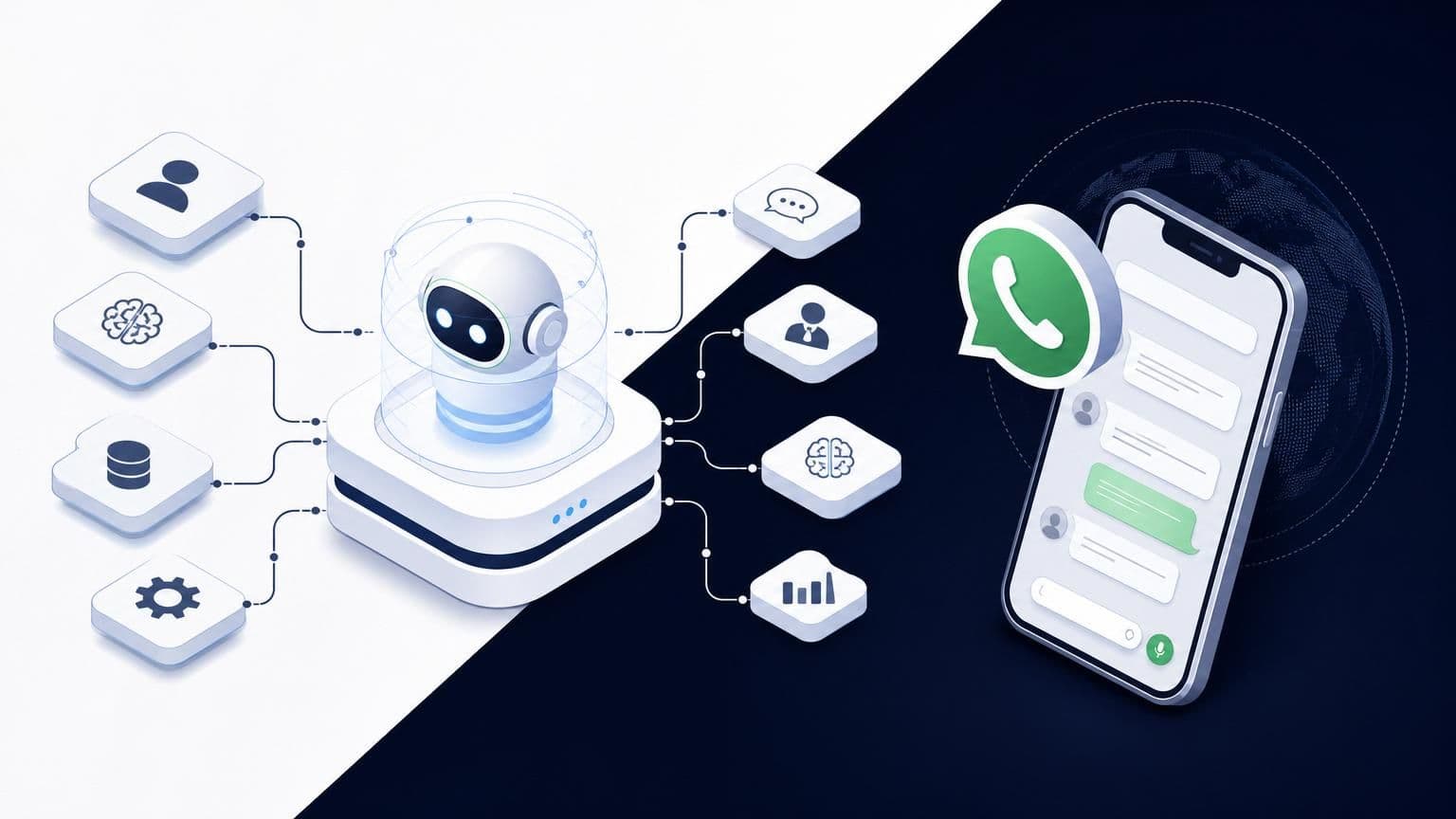
An AI agent on WhatsApp isn't just a chatbot with better vocabulary. It's a system of interconnected components: an API layer, a language model, memory storage, and tool integrations. Each piece has a specific job, and the architecture you choose determines whether your agent feels like a helpful human or an annoying automated menu.
The simplest way to think about it: the WhatsApp Business API handles message delivery, the LLM handles understanding and generating language, and your backend handles everything the agent actually does (checking inventory, scheduling, pulling up order status). Your architecture needs clean handoffs between these layers.
Understanding the WhatsApp Business API Integration
Meta's WhatsApp Business API is the only official way to build automated experiences at scale. You can't just hook into the regular WhatsApp app. The API requires a verified business account, a phone number dedicated to the integration, and a Business Solution Provider (BSP) or direct access through Meta's Cloud API.
Here's the practical setup path:
- Register a Meta Business account and verify your business.
- Set up a WhatsApp Business profile with your dedicated number.
- Choose between Meta's Cloud API (hosted by Meta) or the On-Premises API (you host it yourself).
- Generate your API access token and configure your webhook endpoint.
Most small to mid-size businesses should go with the Cloud API. It's faster to deploy, Meta handles the infrastructure, and you don't need a DevOps team babysitting servers. The On-Premises option makes sense only if you have strict data residency requirements that Meta's hosting can't satisfy.
One critical detail: WhatsApp enforces a 24-hour messaging window. After a user messages you, you have 24 hours to respond freely. Outside that window, you can only send pre-approved template messages. Your agent architecture needs to account for this. Store conversation timestamps and route expired sessions through template-based re-engagement flows.
The Role of Large Language Models (LLMs) in Conversational Flow
The LLM is your agent's brain. It interprets what users mean, not just what they type. A customer writing "yo, when's my stuff arriving?" and another writing "Could you please provide a delivery update?" should trigger the same action. That's the LLM's job.
GPT-4 and Claude are the two dominant models powering WhatsApp AI agents in 2026. GPT-4 excels at instruction-following and function calling. Claude tends to handle nuanced, longer conversations with better coherence. Platforms like Wexio offer built-in AI assistants powered by both models, so you can test which performs better for your specific use case without rebuilding your stack.
The LLM doesn't work alone, though. You wrap it in a system prompt that defines its personality, boundaries, and available tools. You feed it conversation history so it maintains context. And you give it structured output formats so your backend can parse its decisions reliably. Think of the LLM as a very smart interpreter sitting between your customer and your business systems.
Core Capabilities and Autonomous Functionality
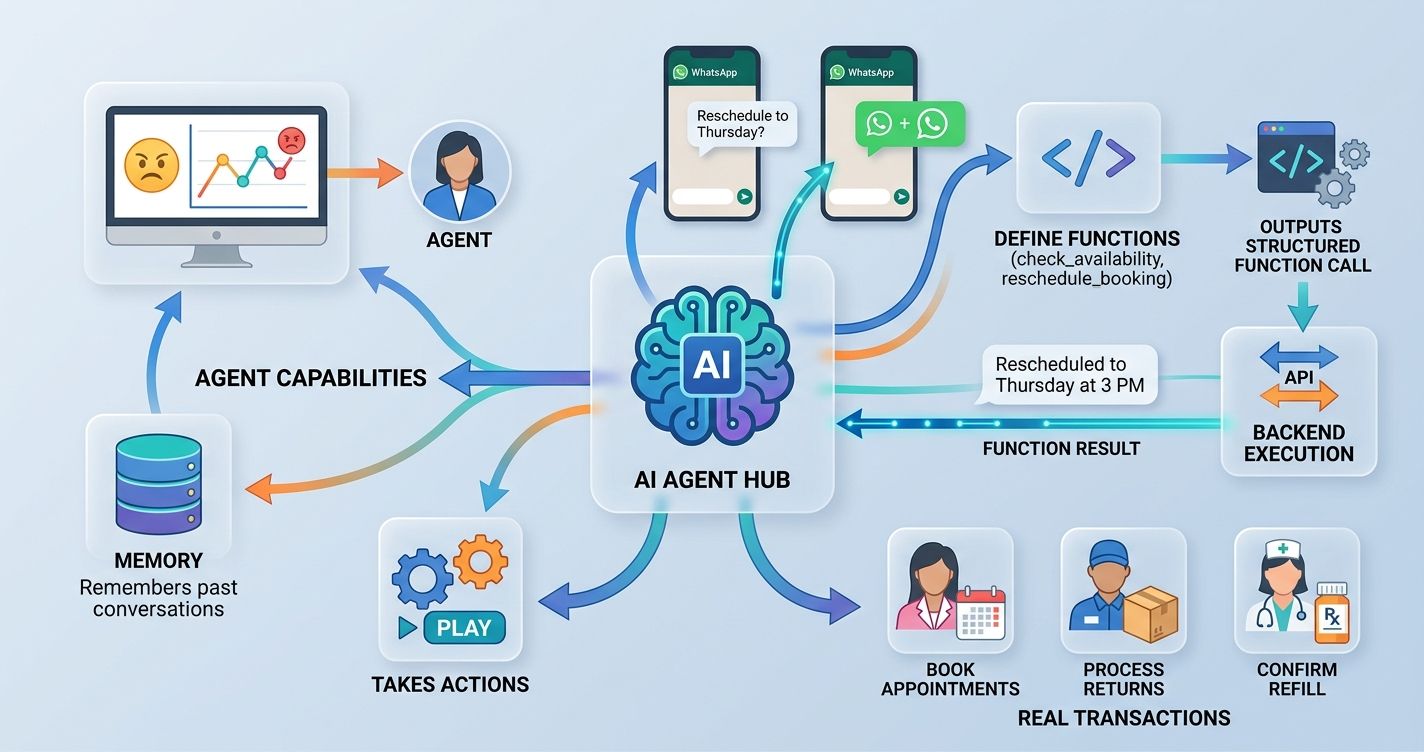
A true AI agent does more than answer questions. It takes actions. It remembers past conversations. It recognizes when a customer is frustrated and routes them to a human. These capabilities separate a basic FAQ bot from something that actually moves the needle for your business.
Tool Use and Function Calling for Real-Time Actions
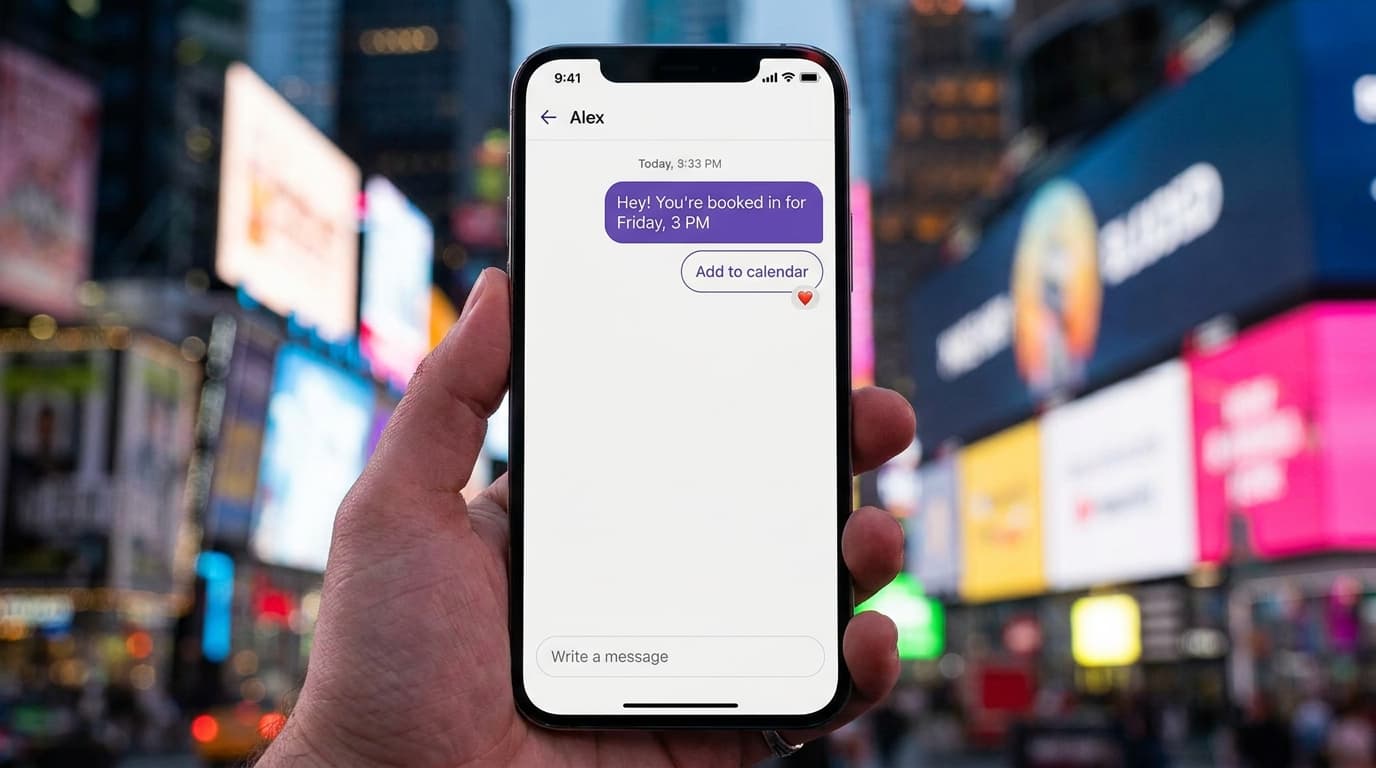
Function calling is what makes an AI agent genuinely useful. When a customer asks "Can I reschedule my appointment to Thursday?", the agent doesn't just say "Sure!" It actually calls your scheduling API, checks availability, moves the booking, and confirms the new time. All within the same WhatsApp conversation.
Here's how function calling works in practice:
- You define a set of functions (check_availability, reschedule_booking, get_order_status) with their parameters.
- The LLM receives the user's message along with descriptions of available functions.
- Instead of generating a text response, the LLM outputs a structured function call.
- Your backend executes that function and returns the result.
- The LLM formats the result into a natural-language reply.
This pattern lets your agent handle real transactions. A beauty salon agent can book appointments. A retail agent can process returns. A healthcare agent can confirm prescription refill status. The key is defining your function schemas clearly and handling errors gracefully. If the scheduling API is down, your agent should say "I'm having trouble checking availability right now, let me connect you with someone who can help" instead of crashing silently.
Contextual Memory and User Intent Recognition
WhatsApp conversations are messy. People send five messages in a row. They circle back to topics from three days ago. They use slang, emojis, and voice notes. Your agent needs memory and intent recognition to handle this gracefully.
Short-term memory means tracking the current conversation thread. If a customer says "I want to book a haircut" and then follows up with "actually, make it a color treatment," your agent needs to update its understanding without asking the customer to start over.
Long-term memory is trickier but more valuable. Storing past interactions lets your agent say "Last time you ordered the medium roast blend, want the same?" That kind of personalization builds loyalty. You'll typically store conversation summaries and key user preferences in a database tied to the customer's phone number.
Intent recognition goes beyond keyword matching. Modern LLMs classify intent from context. "I'm done" could mean "end this conversation" or "I've finished selecting my items." The surrounding conversation tells the model which one. Review your chat transcripts weekly to spot where your agent misreads intent. Those transcripts are free user research, and they'll show you exactly where the logic breaks down.
Technical Setup: From API Keys to Deployment
Enough theory. Here's how you actually wire things together.
Configuring Webhooks for Instant Message Processing
Webhooks are the plumbing. When someone sends a WhatsApp message, Meta's servers POST the message data to your webhook URL. Your server processes it, generates a response, and sends it back through the API.
Step one: set up an HTTPS endpoint on your server. Meta requires TLS encryption, so no plain HTTP. Step two: register your webhook URL in the Meta Developer Dashboard and subscribe to the "messages" event. Step three: implement the verification handshake (Meta sends a challenge token, your server echoes it back). Step four: build your message processing pipeline.
Your webhook handler should be fast. Meta expects a 200 response within a few seconds, or it'll retry. The smart approach: acknowledge the webhook immediately, then process the message asynchronously. Use a message queue (like Redis or RabbitMQ) to decouple receiving from processing. This prevents timeouts during heavy traffic.
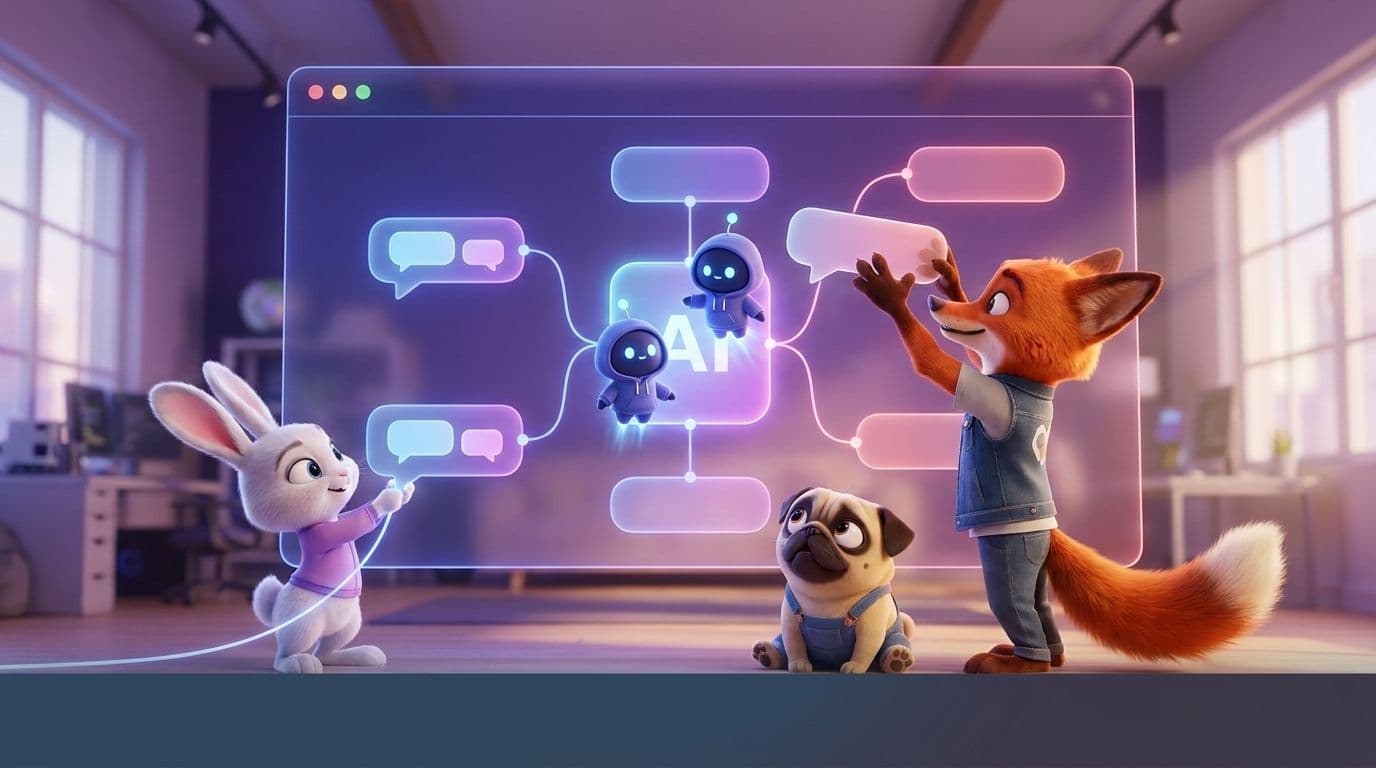
If you're not comfortable managing webhooks yourself, no-code platforms handle this automatically. Wexio's visual flow builder, for example, abstracts the webhook layer entirely. You design your conversation flows with drag-and-drop cards, and the platform manages the API communication behind the scenes. That's a significant time-saver for teams without dedicated backend engineers.
Connecting Vector Databases for RAG-Enabled Responses
Retrieval-Augmented Generation (RAG) is how your agent answers questions about your specific business. The LLM knows general knowledge, but it doesn't know your return policy, your menu, or your service pricing. RAG fixes that.
The setup involves three pieces:
- Chunk your business documents (FAQs, product catalogs, policy docs) into small text segments.
- Convert each chunk into a vector embedding using a model like OpenAI's text-embedding-3-small.
- Store those embeddings in a vector database like Pinecone, Weaviate, or Qdrant.
When a customer asks a question, the system converts their query into an embedding, searches the vector database for the most relevant chunks, and feeds those chunks to the LLM as context. The LLM then generates a response grounded in your actual business data.
A few practical tips: keep your chunks between 200-500 tokens for best retrieval accuracy. Use median similarity scores (not just averages) when tuning your relevance threshold, since outliers can skew results. Update your vector database whenever your policies or product catalog changes. Stale data creates wrong answers, and wrong answers chip away at trust faster than slow answers do.
Designing Agentic Workflows for WhatsApp
Having the tech stack is one thing. Designing conversations that feel natural and actually help customers is another.
Prompt Engineering for Specific Brand Personas
Your system prompt is the DNA of your agent's personality. A finance company's agent should sound different from a surf shop's agent. The system prompt controls tone, vocabulary, boundaries, and behavior.
A solid system prompt includes these elements:
- Identity: Who the agent is, what company it represents, what it can and can't do.
- Tone guidelines: "Friendly but professional" is vague. "Use short sentences. Address the customer by first name. Avoid jargon. Use one emoji per message maximum." That's specific.
- Boundaries: "Never discuss competitor pricing. Never make promises about delivery dates without checking the system. If unsure, escalate to a human."
- Output format: "Always confirm the action you're about to take before executing it. List options as numbered items so the customer can reply with a number."
Test your prompts with real customer messages, not hypothetical ones. Pull 50 actual queries from your support inbox and run them through your agent. You'll quickly find gaps. Maybe your agent handles product questions well but stumbles on complaints. Adjust the prompt, test again. This iterative process is where the real quality comes from.
Wexio offers 12+ industry-specific automation templates out of the box, which give you a strong starting point for prompt design. Starting from a tested template and customizing beats building from scratch every time.
Implementing Human-in-the-Loop Handover Protocols
No AI agent should operate without a safety net. Some situations require a human: angry customers, complex complaints, high-value sales conversations, or anything involving sensitive personal data.
Define clear triggers for handover:
- The customer explicitly asks for a human ("Let me talk to a real person").
- The agent fails to resolve the query after two attempts.
- Sentiment analysis detects frustration or anger.
- The conversation involves a topic flagged as human-only (billing disputes, medical advice, legal questions).
The handover itself needs to be smooth. Pass the full conversation history to the human agent so the customer doesn't repeat themselves. Nothing kills satisfaction faster than "Can you tell me your issue again?" Use a unified inbox that shows the AI conversation alongside the human takeover. That eliminates the tab-switching tax that slows your team down.
Set expectations with the customer too. "I'm connecting you with a team member who can help. They'll have our full conversation, so you won't need to repeat anything. Expected wait: under 2 minutes." That's a much better experience than silence followed by a cold handoff.
Optimizing Performance and Ensuring Compliance
Your agent is live. Now you need to keep it running efficiently and legally.
Managing Rate Limits and Token Consumption
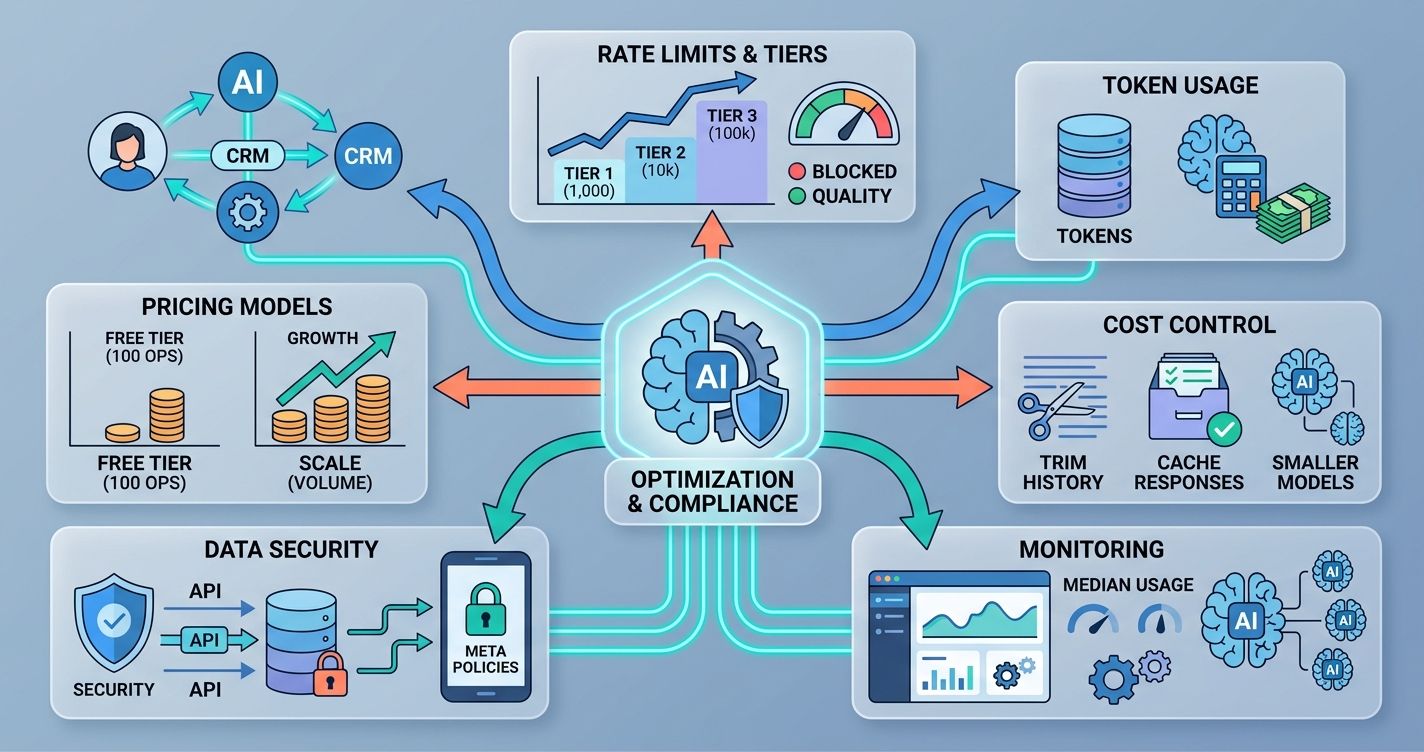
WhatsApp's Business API enforces rate limits based on your messaging tier. New accounts start at Tier 1 (1,000 unique customers per 24 hours). You graduate to higher tiers by maintaining good message quality ratings. Send too many messages that get reported or blocked, and Meta drops your tier.
Token consumption is your other cost lever. Every message processed by the LLM costs tokens. A typical WhatsApp exchange might use 500-1,500 tokens per round trip (including system prompt, conversation history, and RAG context). At GPT-4's current pricing, that's roughly $0.01-0.04 per exchange. Sounds tiny, but at 10,000 conversations per day, it adds up to $100-400 daily.
Reduce token costs with these tactics: trim conversation history to the last 5-8 messages instead of sending the full thread. Cache common responses so the LLM doesn't regenerate identical answers. Use smaller models (like GPT-4o-mini) for simple classification tasks and reserve the full model for complex queries. Monitor your median token usage per conversation type to spot inefficiencies.
Pay-as-you-go pricing models help control costs. You can start with a free tier (Wexio offers 100 operations per month at no cost, no credit card required) and scale as your volume grows.
Navigating Meta's Data Security and Privacy Policies
Meta takes WhatsApp data policies seriously. Violations can get your API access revoked permanently. Here's what you need to know.
You must get opt-in consent before messaging customers. That means explicit agreement, not a pre-checked box buried in your terms of service. Store proof of consent. Meta audits this.
Message content restrictions exist. You can't send promotional messages outside the 24-hour window without using approved templates. Templates go through a review process that takes 24-48 hours. Plan ahead.
Data storage is where most businesses trip up. If you're processing EU customer data, GDPR applies regardless of where your company is based. You need a lawful basis for processing, data minimization practices, and a clear retention policy. Look for infrastructure that's EU-hosted with enterprise-grade encryption. AES-256 encryption at rest and TLS 1.3 in transit are the current standards you should demand from any platform you use.
Review Meta's Business Messaging Policy quarterly. It changes. The last major update in early 2026 tightened rules around AI-generated content disclosure. Your agent may need to identify itself as automated in certain regions. Stay current or risk losing access.
Making Your WhatsApp AI Agent Work for You
Building an AI-powered agent for WhatsApp isn't a weekend project, but it's not a six-month odyssey either. The businesses getting the best results start small: one use case, one workflow, one set of customers. They test, review transcripts, refine prompts, and expand gradually.
The technical pieces (API integration, LLM configuration, vector databases, webhooks) are well-documented and increasingly accessible through no-code tools. The harder part is designing conversations that feel human and building handover protocols that catch what the AI misses.
If you're ready to bring AI-powered automation to WhatsApp and your other messaging channels, Wexio's unified platform handles the heavy lifting so you can focus on the customer experience. Get started at app.wexio.io and test it with their free tier.
Start with your highest-volume, lowest-complexity use case. Get that right. Then build from there.
Sources
- Meta WhatsApp Business Platform documentation (2026)
- OpenAI GPT-4 function calling documentation
- GDPR Article 6: Lawful Basis for Processing
- Meta Business Messaging Policy, updated Q1 2026