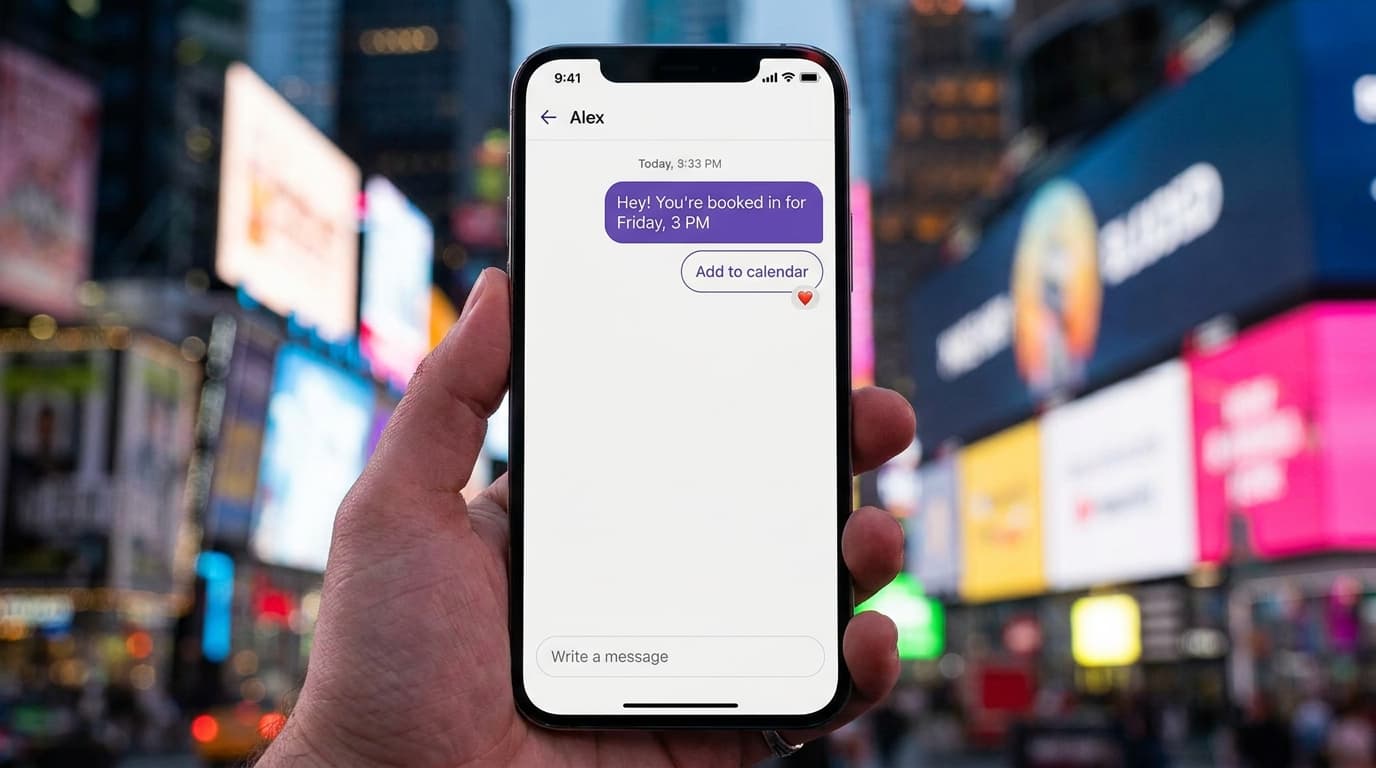
Every business owner who's looked into WhatsApp as a customer channel has hit the same wall: figuring out what it actually costs. With 3.14 billion monthly active users projected by the end of 2025, WhatsApp is where your customers already live. But the API isn't free, and the pricing structure isn't exactly intuitive. Meta has built a layered system that factors in conversation type, geography, who starts the chat, and whether you're using a middleman provider. The costs add up quickly if you don't understand the rules. They can also stay surprisingly low if you do. This guide breaks down every component of WhatsApp Business API pricing so you can budget accurately and avoid nasty surprises. Whether you're a salon booking appointments, a car dealership following up on leads, or an online school onboarding students, the same pricing framework applies. Understanding it is the difference between a profitable channel and a money pit.
The Fundamentals of Meta's Conversation-Based Pricing Model
Meta doesn't charge you for individual messages the way SMS does. Instead, the pricing model is built around conversations. A conversation is a 24-hour window during which you and a customer can exchange as many messages as you want for a single fee. Think of it like buying a day pass at a theme park rather than paying per ride.
This shifted significantly in mid-2025. As of July 1, 2025, Meta transitioned to a per-message pricing model for certain categories, simplifying billing and aligning with how other messaging platforms charge. But the core concept of conversation windows still governs how service interactions are billed.
The price you pay per conversation depends on two things: who started it and what category it falls into. These aren't minor distinctions. A marketing conversation in Brazil costs a completely different amount than a service conversation in Germany. Getting the categories wrong can mean paying five to ten times more than necessary for the same interaction.
Business-Initiated vs. User-Initiated Conversations
The most basic split is simple. Did you message the customer first, or did they message you?
When your business sends the first message, that's a business-initiated conversation. These always require a pre-approved message template. You can't just type whatever you want. Meta reviews and approves each template before you can use it. Business-initiated conversations cost more because Meta treats them as outbound marketing or transactional outreach.
When a customer messages you first, that's a user-initiated conversation. These are cheaper. Meta assumes you're providing support, not pushing promotions. You get a 24-hour window to respond freely without templates. The pricing reflects this: service conversations triggered by users are the least expensive category, and in many cases, they're completely free.
The 24-Hour Customer Service Window Mechanics
Here's where it gets tactical. When a customer sends you a message, a 24-hour customer service window opens. During that window, you can reply with any content you want: text, images, documents, buttons, lists. No template required. No extra charge beyond the single conversation fee.
Once that 24-hour window closes, you lose free-form messaging rights. If you want to reach that customer again, you'll need an approved template. That template triggers a new business-initiated conversation with its own fee. Missing the window is like letting a meter expire. You'll pay again to re-engage.
Smart businesses structure their automation to handle replies within that window. A quick automated acknowledgment keeps the conversation alive while a human agent or AI assistant picks up the thread. Platforms like Wexio let you build no-code flows that instantly respond to inbound messages, ensuring you never waste that free window.
Breaking Down the Four Conversation Categories
Not all conversations are priced equally. Meta sorts every interaction into one of four categories, each with its own rate card. Understanding these categories is essential for controlling your costs.
Marketing, Utility, and Authentication Templates
Business-initiated conversations fall into three buckets:
- Marketing : Promotional messages, product launches, special offers, re-engagement campaigns, and anything designed to drive a sale or action. These are the most expensive category. A marketing template in North America might cost $0.025 or more per conversation, while the same template sent to India could be a fraction of that.
- Utility : Order confirmations, shipping updates, appointment reminders, payment receipts, and account notifications. These are transactional by nature. They cost less than marketing templates because Meta recognizes they serve the customer rather than sell to them.
- Authentication : One-time passwords, verification codes, and login confirmations. These are the simplest templates and typically the cheapest business-initiated category.
Each template must be submitted to Meta for approval. The review process usually takes minutes but can stretch to hours. Your template's category is assigned during approval, and it directly determines your per-conversation cost. If Meta classifies your "friendly reminder" as marketing instead of utility, you'll pay the higher rate.
Service Conversations and the Free Entry Point Exception
Service conversations happen when a customer messages you first. They're the cheapest category across every region. But there's an even better deal hiding in plain sight.
If a customer reaches you through a click-to-WhatsApp ad or a Facebook Page call-to-action button, Meta opens a free entry point conversation. You pay nothing for that interaction. Zero. The entire 72-hour window (yes, 72 hours for free entry points, not 24) is yours to use without cost.
This exception is massive for businesses running paid ads. You're already paying for the ad click. Meta doesn't double-dip by also charging for the conversation. That 72-hour window gives you three full days to qualify leads, answer questions, and close deals without any API messaging fees.
Regional Rate Variations and Currency Factors
WhatsApp API pricing isn't flat. It varies dramatically by country. A marketing conversation sent to a user in Argentina costs a different amount than one sent to the UK, Indonesia, or Nigeria. Meta publishes a rate card organized by country calling code, and the differences can be staggering.
For example, sending a marketing template to a North American number might cost around $0.025, while the same message to a user in India could be $0.008 or less. Utility messages follow the same pattern but at lower absolute rates. These regional differences reflect local market conditions, purchasing power, and Meta's competitive positioning against SMS and other channels.
Your billing currency also matters. Meta charges in USD by default, but some Business Solution Providers convert to local currencies with their own exchange rates. That conversion can add a hidden 2-5% cost depending on the provider and timing.
How Destination Country Codes Impact Your Bill
Your bill is determined by the recipient's phone number prefix, not where your business is located. A company based in London sending messages to customers in Brazil pays Brazilian rates. A Dubai-based retailer messaging customers in Germany pays German rates.
This means businesses with international customer bases need to model costs per market. A campaign that's profitable when targeting Southeast Asian numbers might lose money if you send the same template to European contacts. The math changes completely.
Here's a practical approach: export your contact list, segment by country code, and multiply each segment by the applicable rate. This gives you a realistic cost projection before you hit send. Most platforms provide this data in their analytics. Wexio, for instance, tracks message costs by destination in real time through its unified dashboard, so you're never guessing.
Additional Costs: BSP Markups and Software Fees
Meta's conversation fees are only part of the picture. Most businesses don't connect directly to the WhatsApp API. They use a Business Solution Provider, or BSP, which acts as a middleman. And middlemen take a cut.
Direct Meta Integration vs. Business Solution Providers
You have two paths to access the WhatsApp Business API. The first is direct integration through Meta's Cloud API. This means you handle the technical setup yourself: webhooks, hosting, compliance, and message handling. You pay Meta's rates with no markup. But you also need developers to build and maintain everything.
The second path is through a BSP. These are companies Meta has authorized to resell API access. They handle the infrastructure and usually provide a user-friendly interface, chatbot builders, analytics, and CRM integrations. The trade-off? They charge for those services.
BSP markups vary wildly. Some charge a flat percentage on top of Meta's per-conversation fee, typically 10-30%. Others absorb the conversation cost into a higher platform subscription. A few offer transparent pass-through pricing where you pay exactly what Meta charges plus a clear monthly fee.
Platform Subscription Fees and Per-Message Surcharges
Beyond conversation fees, most BSPs charge a monthly platform subscription. These range from $0 for basic tiers to $500 or more for enterprise plans. Common pricing structures include:
- Free tier with limited features and message volume caps
- Mid-tier plans ($50-$150/month) with automation, multi-agent access, and analytics
- Enterprise plans with custom pricing, dedicated support, and SLA guarantees
Some providers also add per-message surcharges on top of Meta's fees. This can be $0.001 to $0.005 per message, which sounds tiny until you're sending 100,000 messages a month. That's an extra $100-$500 you didn't budget for.
Read the fine print. Ask specifically whether conversation fees are passed through at cost or marked up. Ask about overage charges, rate limits, and whether pricing changes with volume. The cheapest-looking plan often isn't cheapest at scale.
Free Tier Allowances and Cost-Saving Strategies
Meta gives every WhatsApp Business API account 1,000 free service conversations per month. That's not a trial. It's a permanent monthly allowance. For small businesses handling mostly inbound customer queries, this can cover a significant chunk of your messaging costs.
Leveraging the 1,000 Free Service Conversations Monthly
Those 1,000 free conversations reset every month. They only apply to service conversations, meaning the customer must initiate the chat. Marketing, utility, and authentication conversations don't qualify.
For a small retail shop or beauty salon getting 20-30 customer inquiries per day, 1,000 free conversations covers your entire month. You'd pay nothing in API fees for inbound support. The key is structuring your customer communication to encourage inbound messaging rather than outbound blasts.
Put your WhatsApp number on your website, Google Business profile, receipts, and social media bios. Use QR codes in your physical location. The more customers reach out to you first, the more conversations fall into that free bucket. WhatsApp messages boast a 98% open rate, so once customers know they can reach you there, they will.
Optimizing Click-to-WhatsApp Ads for Zero-Cost Windows
Click-to-WhatsApp ads are one of the most underused cost-saving tools available. When someone taps your ad and opens a WhatsApp chat, Meta grants a free entry point conversation lasting 72 hours. You pay for the ad impression or click, but the WhatsApp conversation itself costs nothing.
During that 72-hour window, you can send multiple messages, share product catalogs, collect customer information, and even close sales. If you need to follow up after the window closes, you'll need a template, but the initial interaction is free.
Conversion rates for WhatsApp marketing range from 45-60%, which dwarfs email and most other channels. Combining high-converting ad traffic with zero conversation fees creates a compelling ROI story. Run your ads, capture the lead in WhatsApp, and use automation to qualify and convert within that free window.
Calculating Total Cost of Ownership for Automation
Knowing Meta's rates is only half the equation. Your true cost includes the platform, the people, and the time spent managing everything. A realistic total cost of ownership calculation looks like this:
Step one: estimate your monthly conversation volume by category. How many marketing messages will you send? How many utility notifications? How many inbound service chats do you expect? Multiply each by the applicable regional rate.
Step two: add your BSP or platform costs. Include the monthly subscription, any per-message surcharges, and setup fees. If you're building a direct integration, factor in developer hours and hosting costs instead.
Step three: account for human labor. Even with automation, you'll need people reviewing chat transcripts, updating templates, and handling escalations. Review those transcripts regularly: they're free user research that reveals logic gaps, unexpected questions, and drop-off points in your flows.
Step four: subtract your free allowances. Deduct those 1,000 free service conversations. Deduct free entry point conversations from your ad traffic. The net number is your actual billable volume.
For a mid-size business sending 5,000 marketing messages and handling 3,000 inbound service conversations monthly in a mid-range market, total API costs might land between $75-$200. Add a platform subscription of $50-$150, and you're looking at $125-$350 per month all-in. That's remarkably affordable for a channel with over 200 million monthly active business accounts and industry-leading engagement rates.
The businesses that overspend usually make one of three mistakes: sending marketing templates when utility templates would work, ignoring the free service conversation allowance, or choosing a BSP with hidden per-message markups. Avoid those traps, and WhatsApp becomes one of the most cost-effective customer channels available.
If you're ready to put these numbers into practice, a platform that offers transparent pricing and built-in automation makes all the difference. Wexio's free tier includes 100 operations per month with no credit card required, letting you test WhatsApp automation before committing budget. With 12 industry-specific templates available out of the box, you can launch quickly and scale as your messaging volume grows. Get started with Wexio and see how a unified inbox across WhatsApp, Telegram, Instagram, and Viber can simplify your operations while keeping costs predictable.